AI Agent Security Risks: 3 Controls to Set Before an AI Reads Your Web Pages and Email
AI agents can be steered by hidden text in the emails and web pages they read. Here is what is confirmed, what is not, and three controls to set before you give an agent access.
Where Worldwide
On this page 7 sections
An AI agent that reads your web pages and email can also be steered by them: a stranger can hide instructions in a message, and the agent may treat those instructions as orders. If that agent can also send mail, open files or log in to company systems, one planted email can become a data leak.
A post published on November 8, 2026, set out three preparations to make before giving an agent that kind of access. The advice holds up, but it is worth separating what that post claims from what vendors and government agencies have confirmed.
What are the security risks of AI agents?
The main attack is called indirect prompt injection. OWASP lists prompt injection first in its 2025 Top 10 for LLM applications, and says the indirect form occurs when an AI model "accepts input from external sources, such as websites or files." Microsoft describes the root problem: the AI cannot reliably tell a user's request from outside content, so planted text gets read as a legitimate command.
A chatbot that gets fooled gives a bad answer. An agent that gets fooled can do something. Microsoft's security team names two outcomes: the user's data sent to the attacker, and actions taken on the user's behalf that they never intended.
Anthropic gives a plain example: a vendor email with white text, invisible to you but processed by the agent, telling it to forward any email containing the word "confidential" to an outside address before drafting the replies you asked for.
What is claimed and what is confirmed
Claimed. The three-preparation post was published on note.com by Meisei Rising Co., Ltd., which describes itself as supporting the adoption of local AI that keeps company data inside the organization, so it has a commercial interest in this topic. The post points to Anthropic and OpenAI documentation but cites no specific incident or statistic. Treat it as a sensible checklist, not as evidence of a new threat.
Confirmed.
- This has happened in a major product. EchoLeak, CVE-2025-32711, was an AI command injection flaw in Microsoft 365 Copilot, published June 11, 2025, and rated 9.3 (critical). The researchers' paper says a single crafted email could trigger it with no user interaction.
- Microsoft's record lists EchoLeak as not exploited and says there was no action for users of the service to take.
- Vendors do not claim the wider problem is solved. Anthropic says "No browser agent is immune to prompt injection." In its November 2025 test, its best result was a 1.4% attack success rate, for Opus 4.5 with improved safeguards, against an attacker given 100 attempts per environment. Microsoft tells builders to design "with the expectation that prompt injection attacks are inevitable."
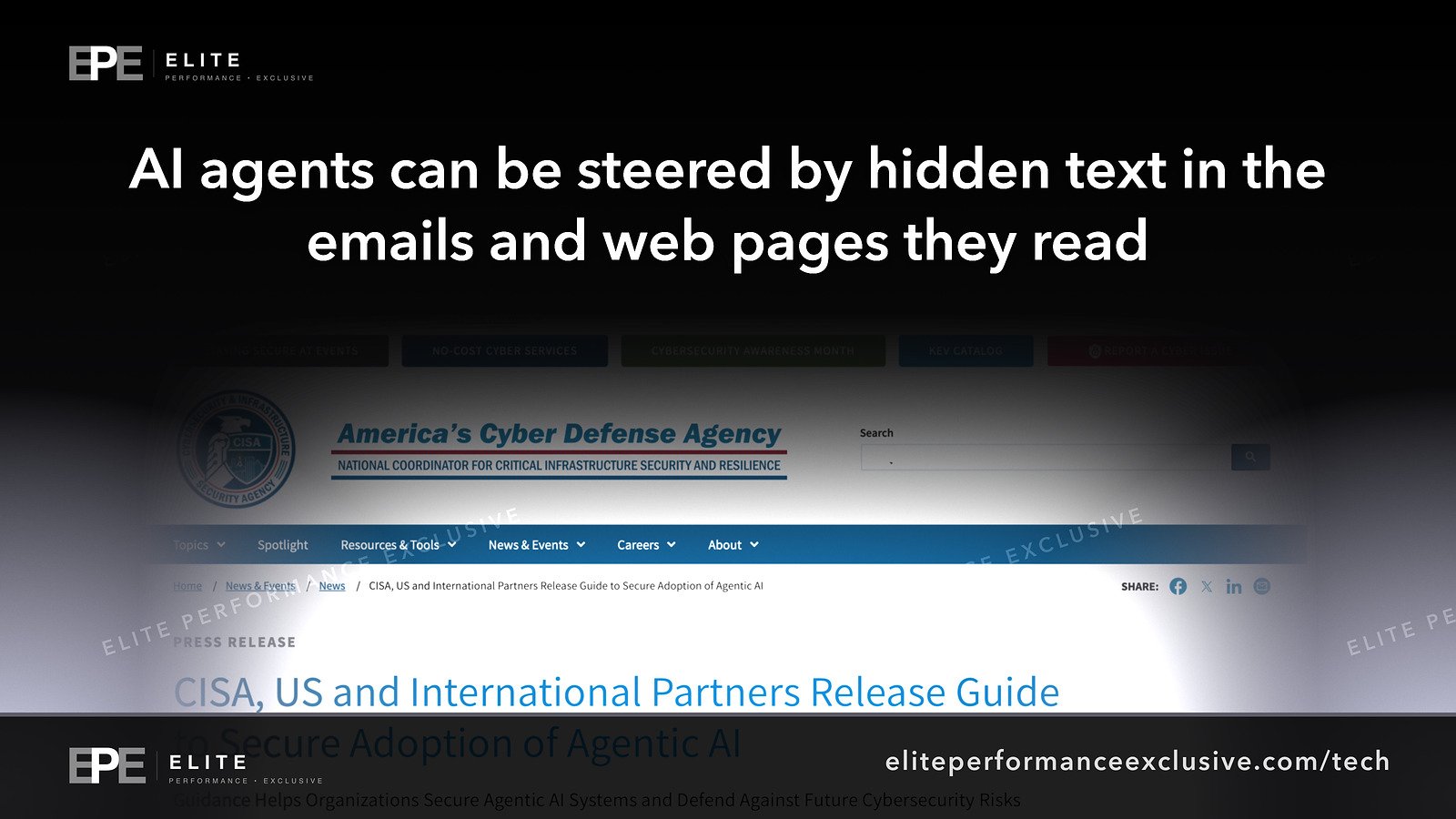
- Governments are publishing guidance. On May 1, 2026, CISA and international partners released a guide on careful adoption of agentic AI.
Not known. We did not find a reliable public count of how often these attacks succeed against businesses. Anthropic's figures are a vendor testing its own models a year ago, and they will not tell you how the agent your staff use will behave.
How to secure AI agents: the three preparations
1. Require human approval for high-impact actions
The post says a person should confirm sending email, deleting or overwriting files, and making payments. OWASP agrees: "Require human approval for high-risk actions." OpenAI's guide for agent builders says that when using MCP tools, the connectors that link an agent to outside services, "always enable tool approvals" so users can confirm reads and writes. Microsoft calls this the last line of defense. It only works if the person reads the request before clicking yes, so train staff to check the recipient and the content.
2. Keep web and email reading away from secrets
The post says tasks that read outside content should be isolated from confidential data and login details. Microsoft's guidance is to isolate untrusted content, and OpenAI's is to "Design workflows so untrusted data never directly drives agent behavior." In practice, an agent that researches the web or sorts inbound mail should not run in a browser signed in to payroll, banking or admin consoles.
3. Cut permissions and outbound paths
The post says to minimize what the agent can reach and where it can send data. CISA says to avoid broad or unrestricted access, "especially to sensitive data or critical systems," and to begin with low-risk uses that involve no sensitive data. The UK's NCSC says to "give agents only the minimum access they need, for the shortest time required." Outbound paths matter too: the EchoLeak paper describes abuse of automatically fetched images and a Microsoft Teams proxy the system allowed.
AI agent security checklist for this week
| Check | What to do | How to confirm |
|---|---|---|
| Inventory | List every AI assistant, browser extension and connector that can reach mail, files or browsers | Review app consents in your Microsoft 365 or Google admin console |
| Approvals | Turn on confirmation for send, delete, pay and publish actions | Ask the agent to send a test email and confirm it stops to ask |
| Separation | Give web and email reading tasks their own account or browser profile | Open that profile and confirm it is not signed in to banking, payroll or admin tools |
| Permissions | Use read-only access where possible, short-lived credentials, and remove unused connectors | Compare each granted permission to the job the agent does |
| Sensitive data | On Microsoft 365, use sensitivity labels and Purview, which Microsoft names for controlling what data its assistant uses | Test with a labeled file |
| Email filtering | Microsoft said in July 2026 that Defender for Office 365 can isolate AI instructions in email before delivery, in public preview for eligible customers, with no admin opt-in | Look for the detection technology Prompt Injection Protection in Explorer |
| Logging | NCSC: "If you cannot understand, monitor or contain an agent's actions, it is not ready for deployment." | Pull a log of last week's agent actions |
| Response plan | Add agent failure and loss of control to your incident plan | Name who revokes the agent's access |
Why AI agent security matters for a business network or website
An agent works with the access you gave it, so its actions can look like normal activity from a signed-in user. The same risk reaches your website: an agent with CMS or hosting access that reads contact form messages is reading text written by strangers.
Running AI on your own infrastructure, which the post's author sells, can keep data in-house. It does not fix this problem by itself, because a local model reading a malicious email is still reading a malicious email.
AI agent security questions people are asking
Can an AI agent be hacked by reading an email?
Yes. It can be misled by instructions hidden in the message. EchoLeak showed this in Microsoft 365 Copilot, where researchers reported one crafted email was enough.
Is Microsoft 365 Copilot safe after EchoLeak?
Microsoft's record says users of the service have no action to take for that flaw. The wider class of attack remains, so permissions and approvals still matter.
Does human approval stop prompt injection?
Not on its own. It stops the agent from completing a risky action unless a person agrees, and it depends on that person paying attention.
Is prompt injection solved?
No vendor we reviewed claims that. Anthropic says its results show progress and that it is not claiming the problem is solved.
Are AI agents safe to use at work?
They can be used with care. CISA's advice is to begin with low-risk uses and no sensitive data, then expand as you confirm your controls work.
The bigger lesson
Treat an AI agent like a new hire who believes everything they read. You would not give that person the company card, the admin password and an unmonitored inbox on the first day. Decide what it can touch, what it must ask about, and how you will know what it did, before it starts reading.
For help locking this down, see security hardening or request a quote.
Get security alerts by email, with the free checklist, at our security alerts page.
Sources: Meisei Rising on note.com; OWASP LLM01:2025; OpenAI agent builder safety; Anthropic prompt injection research; Microsoft Learn; Microsoft MSRC blog; Microsoft CVE-2025-32711 record; CVE Program record; EchoLeak paper; CISA; UK NCSC; Microsoft Defender for Office 365 blog.
Have a question about this article?
Ask it here and we will answer you directly by email. Questions are private, never posted.
Security alerts by email
Hear about the next one first.
When attackers start using a flaw in software businesses run on, we email what it is, whether it touches you and what to do that week, with a round-up of our latest security writing. Free, one-click unsubscribe. You get the checklist straight away: 12 things to secure this week.
Want a result like this?
Security alerts, breaches and the technology a business runs on: what happened, who it affects and what to do.
Get a Tech QuoteKeep reading
Aesto Data Breach: What Is Confirmed About the Healthcare Records Vendor, 4,508 South Carolina Residents, and What to Ask Your Vendors This Week
Patient records vendor Aesto says data may have been accessed or taken from its AWS systems in December 2025....
Mirae Asset Securities Data Breach: About 39,000 People Exposed, Mostly Staff, and What Finance Firms Should Check This Week
Mirae Asset Securities says two attacks on November 4 and 5 exposed data on about 39,000 people, including 35,...
NBFC Cyberattack: Two Indian Lenders Report Over Rs 7 Crore Stolen Five Days Apart as CERT-In Warns of Payment API Attacks
Spandana Sphoorty and Keerthana Finserv reported Rs 7 crore-plus in unauthorised transfers five days apart. He...
