Chrome Zero-Days 2026: Eight Exploited Flaws in Under Nine Months, Why Patched Browsers Stay Exposed, and How to Force a Restart
Google has fixed its eighth exploited Chrome flaw of 2026. A Chrome update only protects a computer once the browser restarts, so here is how to make that happen within a day, not a week.
Where Worldwide
On this page 8 sections
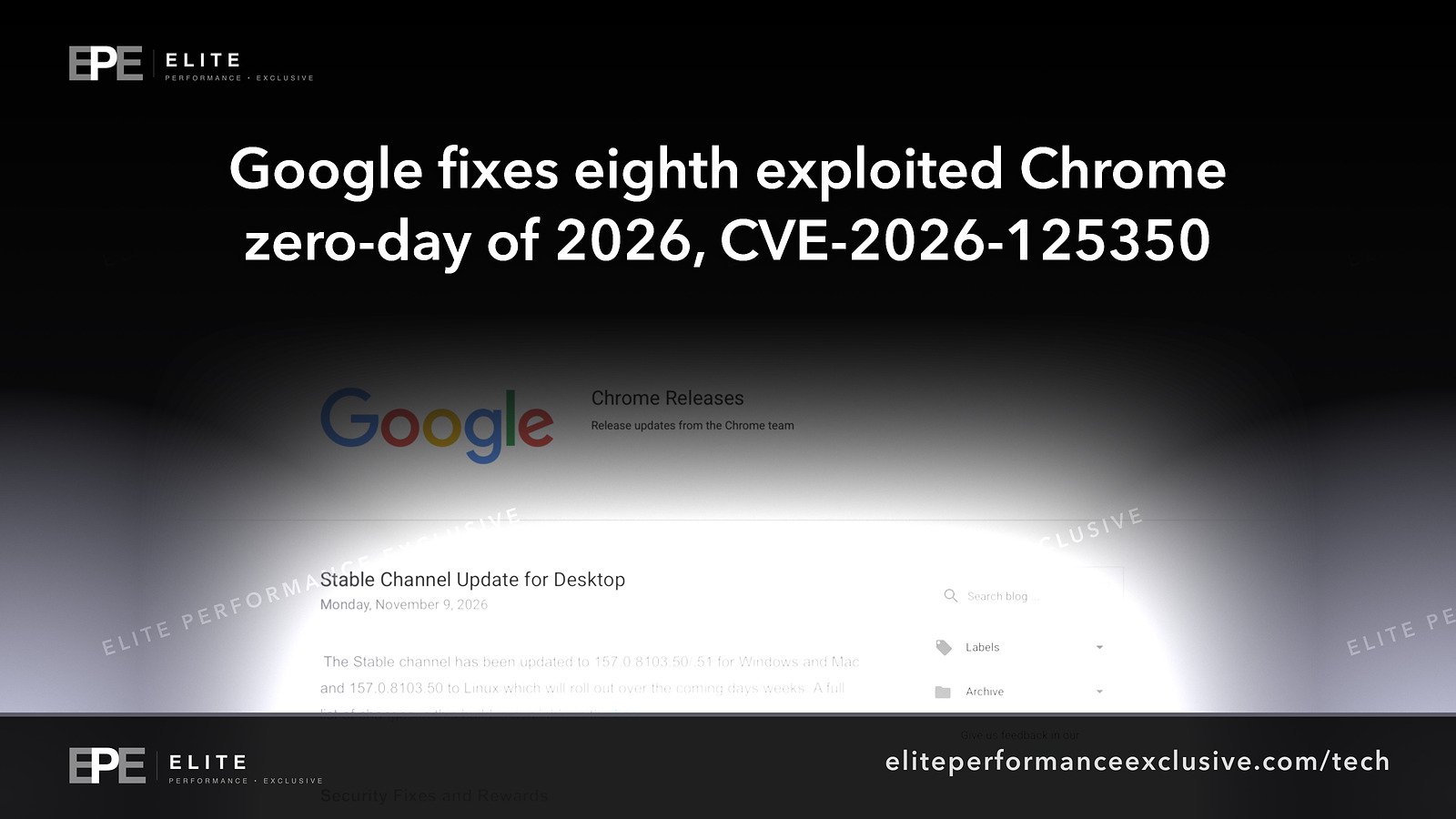
Google has fixed an eighth Chrome flaw this year that attackers were using before a patch existed. The latest one is CVE-2026-125350, fixed on Monday, November 9. If your business runs on Chrome, the risk is not one bug. It is the pattern: about one exploited flaw a month since February, and each fix only protects a computer after Chrome restarts.
We covered the bug itself and how to check every device in Chrome Zero-Day CVE-2026-125350. This post looks at the year as a whole, and at the setting that decides how long your staff stay exposed after Google ships a fix.
What is confirmed about the latest Chrome zero-day
Google's Stable Channel update of November 9 moved Chrome to 157.0.8103.50/.51 on Windows and Mac and 157.0.8103.50 on Linux, with nine security fixes. Google states: "Google is aware that an exploit for CVE-2026-125350 exists in the wild." The flaw is rated High and described as a use after free in XML. It was reported anonymously on November 6, a Friday, so the fix shipped three days later.
Also confirmed from Google's own release posts:
- Extended Stable (the slower channel some companies use) moved to 156.0.8078.96 on Windows and Mac. Google lists CVE-2026-125350 among its 11 security fixes.
- Chrome for Android 157.0.8103.50 was released the same day. Google says Android releases carry the same security fixes as the matching desktop release.
- CISA added CVE-2026-125350 to its Known Exploited Vulnerabilities catalog on November 10. US federal agencies must fix it by November 24.
What is not known: who is using the exploit, against whom, or how. Google keeps bug details restricted until most users have updated. The same release also fixes CVE-2026-125346, a separate use after free in XML reported on October 12 by Arni Hardarson of Neonix Security. Google does not say the two are related, and does not say CVE-2026-125346 was exploited.
Chrome zero-days in 2026: the full list
The "eighth" count comes from BleepingComputer. We checked it ourselves against CISA's catalog, which lists all eight as exploited in 2026:
| CVE | Part of Chrome (as CISA names it) | Added to CISA catalog |
|---|---|---|
| CVE-2026-2441 | CSS, use after free | February 17 |
| CVE-2026-3909 | Skia graphics, out-of-bounds write | March 13 |
| CVE-2026-3910 | V8, memory buffer flaw | March 13 |
| CVE-2026-5281 | Dawn (WebGPU), use after free | April 1 |
| CVE-2026-11645 | V8, out-of-bounds read and write | June 9 |
| CVE-2026-85046 | V8, type confusion | September 4 |
| CVE-2026-87491 | V8, out-of-bounds write | September 9 |
| CVE-2026-125350 | XML, use after free | November 10 |
Three things stand out. Four of the eight sit in V8, the engine that runs JavaScript on every web page. The flaws came in clusters: two on the same day in March and two five days apart in September. And there was never a quiet stretch long enough to make a monthly patch cycle feel safe.
Why an updated Chrome can still be unpatched
Chrome downloads updates on its own, but the new version only runs after the browser relaunches. Google's enterprise help page says that when no relaunch policy is set, Chrome just changes its menu icon to show an update is waiting, and users relaunch when they are ready. Google also rolls each update out "over the coming days/weeks", so some machines get it later than others.
People leave Chrome open for weeks, with dozens of tabs they do not want to lose. That laptop shows a downloaded update and still runs the vulnerable version. We wrote about this same gap for server software in Updated Is Not the Same as Patched. Browsers have it too.
Take this case: the flaw was reported on November 6 and fixed on November 9. If your staff restart Chrome whenever they get around to it, your exposure is however long that takes, not three days.
How to force Chrome to restart after an update
Google's documentation describes three policies for Windows, Mac and Linux:
- RelaunchNotification: 1 means relaunch is recommended, 2 means relaunch is required. Use 2.
- RelaunchNotificationPeriod: how long users have before the forced restart, in milliseconds. The default is 604,800,000, which is seven days. 86,400,000 is 24 hours.
- RelaunchWindow: a start time and a length in minutes, so restarts can happen outside working hours.
Where to set them:
- Google Admin console: Devices, then Chrome, then Settings, then Chrome updates, then Relaunch notification. Choose "Force relaunch after a period" and set a time period between 1 and 168 hours. If you leave it blank, it is 168 hours (seven days).
- Windows Group Policy: Administrative Templates, then Google, then Google Chrome.
- Mac: add the keys to your Chrome configuration profile (.plist) and deploy it.
- Linux: a JSON file in /etc/opt/chrome/policies/managed.
To check it worked, open chrome://policy on a managed device, click Reload policies, and confirm each policy shows status OK.
Our recommendation: seven days is too long when this year's flaws came about a month apart and the latest was fixed three days after it was reported. A 24 to 48 hour window, with restarts set for outside working hours, closes most of the gap without anyone losing work in the middle of the day.
What to do this week
| Task | How to check | Target |
|---|---|---|
| Desktop Chrome | chrome://settings/help | 157.0.8103.50 or later (Windows and Mac may show .51) |
| Extended Stable machines | chrome://settings/help | 156.0.8078.96 or later |
| Android phones | Google Play, Chrome, Update | 157.0.8103.50 or later |
| Force relaunch | Admin console or Group Policy, then chrome://policy | RelaunchNotification set to 2, period 24 to 48 hours |
| Other Chromium browsers | Each vendor's release notes | A build that includes CVE-2026-125350 |
| Unmanaged devices | Your device list against your Chrome management console | Every work device enrolled or accounted for |
| Outside deadline | Calendar | Done before November 24, CISA's federal deadline |
Why this matters for a company network
The browser is where your business actually happens: email, banking, payroll, your website's admin panel, cloud consoles. A browser flaw that runs attacker code can reach the session cookies and logins for all of them. That is how one bad web page turns into account takeover, as in the Abe Office malware case.
Browser patching often falls between roles. The IT person assumes Chrome updates itself. Staff assume IT handles it. Nobody checks whether the browser was ever restarted. If that sounds familiar, Who Is Patching the Software That Runs Your Business? walks through who should own each layer.
Chrome zero-day questions people are asking
How many Chrome zero-days have there been in 2026?
Eight as of November 10, 2026, by BleepingComputer's count. CISA's catalog lists all eight.
Which Chrome version fixes CVE-2026-125350?
157.0.8103.50 or .51 on Windows and Mac, 157.0.8103.50 on Linux and Android, and 156.0.8078.96 on Extended Stable.
Does Chrome update automatically?
It downloads updates automatically. It only runs the fixed version after the browser relaunches.
Do I need to restart Chrome after an update?
Yes. Until you relaunch, the old version keeps running. Companies can force this with the RelaunchNotification policy.
Does this affect Edge, Brave or Opera?
They are built on Chromium, the same code Chrome uses. Check each vendor's release notes for a build that includes the fix.
Who is exploiting the Chrome XML flaw?
Google has not said. The reporter is listed as anonymous, and the bug details are restricted.
The bigger lesson
Eight exploited flaws in under nine months means browser patching cannot wait for the monthly cycle. Google is shipping fixes within days. Whether your company is protected depends on one setting most businesses never change: how long a patched browser is allowed to keep running the old version.
We set up and check patch policies as part of security hardening, or you can ask for a quote.
Get security alerts like this by email, plus our free checklist, at /security-alerts.
Sources: Google Chrome Releases, Stable Channel Update for Desktop, November 9, 2026; CISA Known Exploited Vulnerabilities Catalog; Google, Notify users to restart to apply pending updates; BleepingComputer.
Have a question about this article?
Ask it here and we will answer you directly by email. Questions are private, never posted.
Security alerts by email
Hear about the next one first.
When attackers start using a flaw in software businesses run on, we email what it is, whether it touches you and what to do that week, with a round-up of our latest security writing. Free, one-click unsubscribe. You get the checklist straight away: 12 things to secure this week.
Want a result like this?
Security alerts, breaches and the technology a business runs on: what happened, who it affects and what to do.
Get a Tech QuoteKeep reading
iPhone Exploit Kits: Leaked DarkSword Code Reached an Employee's iPhone Through an Instagram Ad, and How to Lock Down Work Phones
Criminals are now using leaked iPhone exploit kits built for spies to break into out-of-date iPhones through a...
iOS App Sandbox Bypass: Public worse_query Code Reaches Other Apps' Data on iOS 26 and 27.2, No Apple Fix Confirmed, and What to Do This Week
A developer has published worse_query, proof-of-concept code that lets an iPhone app reach other apps' data on...
Turla Cereal Malware: Russian Spies Turned Government Exchange Servers Into Hidden Control Hubs, What Is Confirmed and What to Check on Yours
ESET says Turla hid a new toolset called Cereal on government Exchange servers in Kazakhstan and Romania and u...
