cPGuard Update Compromise: Malicious Updates 5.88.12 to 5.88.19 Put a Backdoor on Linux Servers, and What to Rotate Now
On November 2, 2026, an attacker used OPSSHIELD's own update channel to push a backdoor to cPGuard servers. Here is how to check versions 5.88.12 to 5.88.19, and what to update and rotate this week.
Where Worldwide
On this page 8 sections
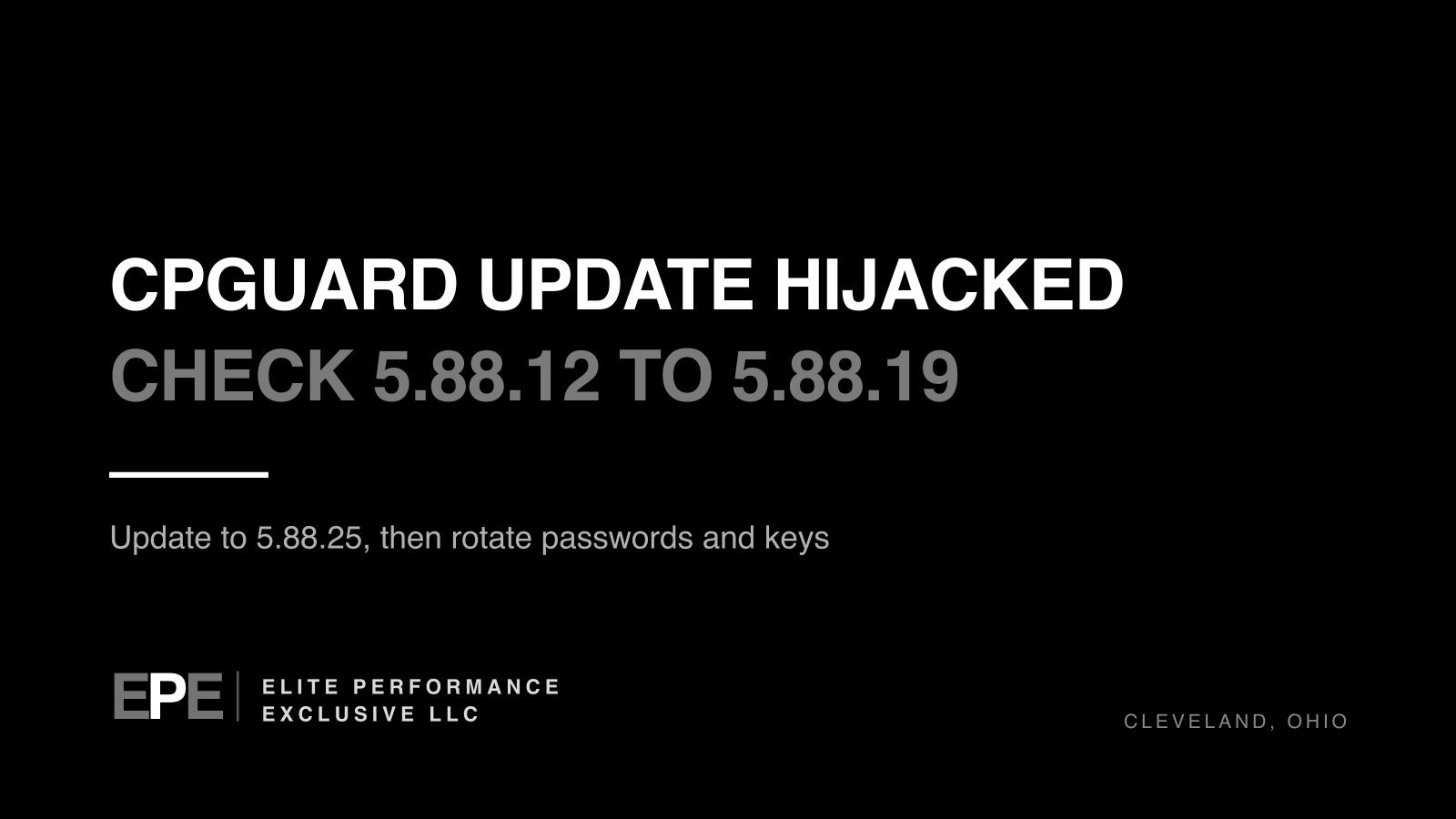
cPGuard is a security tool that runs on Linux web hosting servers, and on Monday, November 2, 2026, it was turned against its own customers. An attacker got into the vendor's update system and sent a malicious script out through normal cPGuard updates. If your server installed cPGuard 5.88.12 through 5.88.19, the vendor says to treat that server as potentially compromised, update to 5.88.25 or later, and reset passwords and keys.
What happened in the cPGuard update compromise
OPSSHIELD makes cPGuard. It does malware scanning and cleanup, runs a web application firewall and blocks abusive IP addresses on servers that use control panels such as cPanel/WHM, Plesk, DirectAdmin, CyberPanel and InterWorx. There is also a standalone version for servers with no control panel.
OPSSHIELD's advisory says that on 2 November 2026 at 02:06 UTC, an attacker used compromised credentials to get into the company's update CDN. From there the attacker sent a malicious script out through the cPGuard update channel, inside releases 5.88.12 through 5.88.19. OPSSHIELD says it caught the problem within about 12 hours of those updates going out. It then secured the account involved, cleared its infrastructure credentials and stopped the script from being distributed.
One caution: every detail here comes from OPSSHIELD itself. We could not find an independent researcher's report. The advisory is still changing, and the version we read was last updated at 3:19 AM India time on 3 November 2026.
What the cPGuard backdoor did
The script installed a backdoor shell and collected these files:
/etc/shadowand/etc/passwd: the server's account list and password hashes- root's MariaDB/MySQL configuration file (
my.cnf), which often contains a database password - root's shell history, which can hold passwords, API keys and tokens typed at the command line
- root's SSH
authorized_keysandknown_hostsfiles, which show who can log in and which other systems this server connects to
The script uploaded what it collected to OPSSHIELD's own licensing server through a compromised account, and the attacker retrieved some of it from there. OPSSHIELD says not every server necessarily had all of these files collected. It also points out that password hashes cannot be reversed directly, but weak or reused passwords can be cracked offline. That is why it still tells customers to reset them.
Confirmed facts and open questions
| Item | What OPSSHIELD has confirmed |
|---|---|
| Affected versions | cPGuard 5.88.12 through 5.88.19, inclusive |
| Fixed version | 5.88.25 or later, which removes the backdoor and its staged files |
| When the attacker got in | 2 November 2026, 02:06 UTC |
| How long the bad updates were out | Detected within about 12 hours of release |
| Data the attacker retrieved | An estimated 32 collected files, each from one customer server. OPSSHIELD calls this preliminary |
| Other malicious activity | None found so far, which OPSSHIELD says does not rule out activity it has not detected |
What is still not known:
- How the attacker got the credentials
- How many servers installed an affected version (OPSSHIELD has not given a number)
- Exactly what was taken from each server, and how much the attacker pulled from the licensing server
- Whether the private key behind OPSSHIELD's support access was exposed (the advisory does not say)
How to check if your cPGuard server is affected
Run this on each server to see its update history:
grep 'Successfully updated' /opt/cpguard/logs/install_log
If any entry shows a version from 5.88.12 to 5.88.19, OPSSHIELD says to treat the server as potentially compromised, even if it now runs 5.88.25 or later. If you find no matching entries, or the log is missing or incomplete, that does not prove the server is clean.
These are the indicators OPSSHIELD has published:
- Script:
cpguard-v58812-i91511.sh - Backdoor shell:
/var/tmp/.cpg91511_sh - Collection directory:
/var/tmp/.cpg91511 - Staged archive:
/var/tmp/.cpg91511/loot.tgz
The fixed update deletes these files, so finding none of them tells you nothing about whether the script ran.
What to do this week
| Step | How | When |
|---|---|---|
| Update cPGuard | cpgcli update --start |
Every cPGuard server, today |
| Confirm the version | cpgcli --version should show 5.88.25 or later; if it does not, or the update fails, contact OPSSHIELD Support |
Every server |
| Check update history | The grep command above |
Every server |
| Reset local passwords | Reset root and every local account that has a password, working from a trusted recovery environment | Any server that ran, or may have run, an affected version |
| Fix reused passwords | Change any of those passwords that are also used on other systems | Same servers |
| Rotate secrets | Database passwords, S3 access keys, DigitalOcean tokens and any secret in root's shell history | Same servers |
| Replace SSH keys | New private keys in /root/.ssh, and remove the old public keys from every system that trusts them |
Same servers |
| Review support access | grep "opsshield" /root/.ssh/authorized_keys; if you do not need vendor access right now, run cpgcli support-access --revoke |
Every server |
| Escalate if unsure | Open a ticket with OPSSHIELD Support; if you cannot show the server is clean, OPSSHIELD says a rebuild may be appropriate | As needed |
On support access: OPSSHIELD's documentation says that granting support access puts an OPSSHIELD public key in root's authorized_keys. The advisory says the company is releasing an update that removes those keys as a precaution. It has not given a version number for that update.
Why a hacked server security tool matters for your business
A tool like cPGuard needs deep access to do its job, so it usually runs with root privileges and updates itself automatically. That combination is exactly what makes a compromised update so dangerous. A single hosting server can run every website, database and mailbox for a company, or for dozens of clients at an agency or hosting provider. Stolen root SSH keys and database passwords give an attacker a way back in after the backdoor itself is gone, and known_hosts shows them which other machines to try next.
If someone else runs your hosting, you may not know whether cPGuard is installed. Ask your host or IT provider directly whether they use it, which versions their servers installed, and whether they have rotated credentials.
cPGuard compromise questions people are asking
Which cPGuard versions are affected?
Versions 5.88.12 through 5.88.19. The fix is 5.88.25 or later.
Is cPGuard safe to update now?
OPSSHIELD says it has secured the compromised account, cleared its infrastructure credentials and stopped distribution, and that 5.88.25 removes the backdoor. It has not yet explained how the credentials were stolen.
How do I know if my server ran the malicious update?
Check /opt/cpguard/logs/install_log for 5.88.12 through 5.88.19. A clean or missing log is not proof, so contact OPSSHIELD Support if you are unsure.
Do I need to rebuild my server?
OPSSHIELD does not routinely recommend a rebuild at this point. It does say a rebuild may be appropriate if you cannot establish that a server is clean.
Was my data stolen?
OPSSHIELD estimates the attacker retrieved 32 collected files, each tied to a customer server, and says that number is preliminary. It has not said which servers. If yours installed an affected version, assume its files were collected.
The bigger lesson
Automatic updates from a trusted vendor are only as safe as the vendor's own systems. Here, the update channel itself was the attack. You cannot stop a vendor from being breached, but you can limit the damage. Roll updates out to one server first. Watch servers for new files and outbound connections after updates. Avoid leaving secrets in shell history. Keep a list of every key and password a server holds, so rotating them takes hours, not weeks.
Need help hardening hosting servers or rotating credentials? See security hardening or request a quote.
Get security alerts like this by email, plus our free checklist, at /security-alerts.
Sources: OPSSHIELD: cPGuard update channel compromise advisory; OPSSHIELD: support access documentation; OPSSHIELD: cPGuard product overview.
Have a question about this article?
Ask it here and we will answer you directly by email. Questions are private, never posted.
Security alerts by email
Hear about the next one first.
When attackers start using a flaw in software businesses run on, we email what it is, whether it touches you and what to do that week, with a round-up of our latest security writing. Free, one-click unsubscribe. You get the checklist straight away: 12 things to secure this week.
Want a result like this?
Security alerts, breaches and the technology a business runs on: what happened, who it affects and what to do.
Get a Tech QuoteKeep reading
Rosstat Cyberattack: Russia's Statistics Agency Is Still Restoring Systems, What Is Confirmed and What Businesses Should Check
Rosstat says it is still restoring systems after cyberattacks from October 29 to November 1, 2026. Hackers cla...
Ransomware Business Continuity: Why Backups Alone Won't Keep Your Company Running, and What to Do This Week
Backups can bring systems back, but they do not keep work moving during the outage. Here is what Japan's IPA l...
Sshole SSH Vulnerability (CVE-2026-123158): Exploit Attempts Hit Honeypots, Which Alpine Linux Servers Are Exposed, and the Fixed Versions to Install
An OpenSSH flaw called Sshole can let attackers skip the password on some Alpine Linux servers, and honeypots...
