GhostMap Android Flaw: A No-Permission App Can Trap Phones in a Boot Loop, No Patch Yet, and How to Lock Down App Installs
Bitdefender says a crafted Android app with no permissions can trap a phone in an endless boot loop as soon as it is installed. Google says it will not fix this in a security update. Here is what is confirmed and how to control installs on company phones.
Where Worldwide
On this page 8 sections
Security researchers have shown that a single Android app can crash a phone's core system service the moment it is installed. The app needs no permissions, and the phone then keeps rebooting until it is wiped. Google says it will not fix the flaw, which Bitdefender has named GhostMap, in a security update. For now, the best protection for company phones is controlling what gets installed on them.
What is the GhostMap Android flaw?
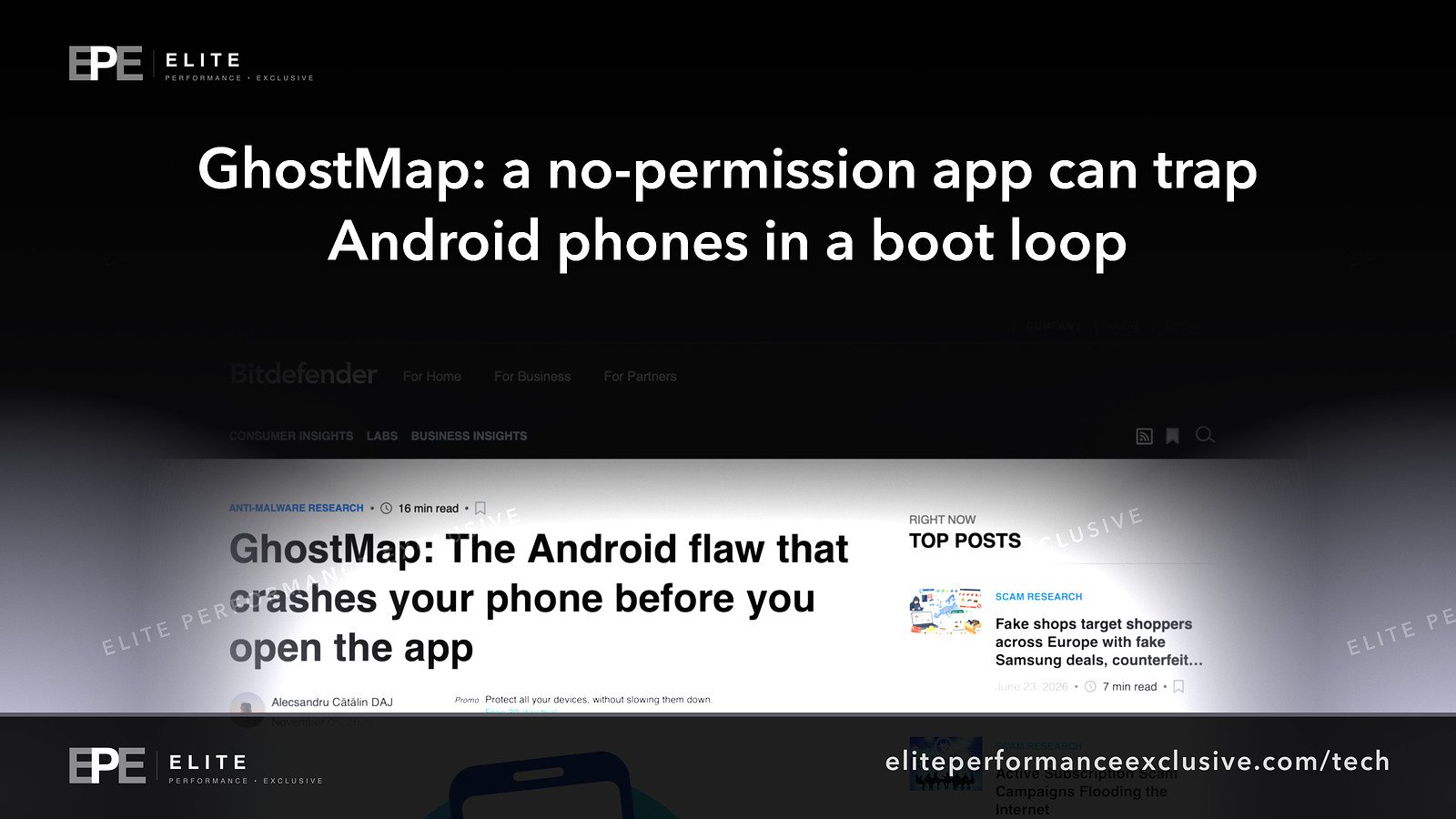
Bitdefender Labs published its GhostMap report on November 5, 2026. According to the researchers, a specially built app file (an APK) can force an Android device into a continuous boot loop. The report says the app:
- asks for no permissions,
- contains no executable code,
- does not need to be opened. Installing it is enough.
Bitdefender tested on a Pixel 10 running Android 17 with the August 5, 2026 security patch. The first crash came about one second after installation. The researchers say they also reproduced the problem on older releases going back to Android 10.
How GhostMap causes an Android boot loop
In plain English, two parts of Android disagree about how to read the same app file.
An APK is a ZIP archive. According to Bitdefender, one Android library (libziparchive) checks an entry's declared size only when the entry is stored uncompressed. A second library (libandroidfw) treats any entry not marked as compressed in the usual way as uncompressed, and it maps the entry into memory at whatever size the file claims, with no bounds check. A malformed APK can claim a size larger than the real file. When Android reads past the real end of the file, the kernel kills the process.
If that process is system_server, the core service that runs Android, the phone crashes, restarts, reads the same file and crashes again. Bitdefender's logs show crashes about 4 to 6 seconds apart, 110 repeats in one capture, and 72 crash cycles in a Safe Mode run. Safe Mode does not help, because the crash happens before Safe Mode takes effect.
Bitdefender calls this an over-read, not memory corruption. The report describes a crash, not a takeover of the phone. It also notes that third-party apps that inspect APK files can crash on the same malformed file.
What is confirmed, what is claimed, what is not known
Confirmed in the researchers' own report: the technique, the test device and patch level, the Android 10 and later scope, the crash counts, and the recovery options described below.
Google's position, as quoted by Bitdefender: "the issue will not be addressed through a security update." We did not find a separate public statement from Google.
Not known:
- whether Google Play Protect detects these files (the report does not say),
- which phones from other manufacturers were tested,
- whether a CVE number will be assigned (none is given),
- when, or whether, a fix will ship in a future Android release.
Is there a GhostMap patch?
No. Bitdefender's timeline:
- August 12, 2026: an APK collected in the wild crashed the team's emulators during installation. It was a banking dropper wrapped in a packer. It only caused a failed install, and nothing suggests its author knew it would crash anything.
- August 20, 2026: first report to Google, closed as "Won't Fix (Not Reproducible)" and outside the program's scope.
- August 25, 2026: second report with a proof of concept. Google said it was outside the scope of a security update and passed it to a feature team for possible future consideration.
Bitdefender says it has not seen the persistent crash loop used in attacks. This month's Android update will not fix GhostMap, but keep installing monthly updates anyway: the November 2026 Android security update fixes a critical no-click flaw.
Why GhostMap matters for a company phone fleet
GhostMap is about downtime, not data theft, but the downtime is serious:
- Recovery means a factory reset. Anything stored only on the phone is erased.
- Safe Mode does not get you out.
- The ADB workaround is narrow. Bitdefender says you can delete the bad file over USB during the crash cycles only if Developer Mode and USB debugging were already turned on. After the first full reboot, that route stops working.
- A phone that never finishes booting is hard to fix remotely. For a field technician, a delivery driver or a sales rep, that can mean a lost day. The same goes for anyone whose phone is their sign-in device for work accounts.
The only point where GhostMap can be stopped is installation, so your app install policy is your defence.
GhostMap fix checklist: what to do this week
| Action | How to check or set it | Why |
|---|---|---|
| Block installs from unknown sources | In your mobile device management (MDM) console, turn on the restriction that maps to Android's DISALLOW_INSTALL_UNKNOWN_SOURCES, or the device-wide DISALLOW_INSTALL_UNKNOWN_SOURCES_GLOBALLY (Android 10 and later) |
GhostMap has to be installed to work |
| Cover personal phones with a work profile | Android's documentation says a profile owner can turn on the device-wide version so it covers every profile on the device. Agree this with staff first | Sideloading on the personal side can still crash the whole phone |
| Limit which stores can install apps | The unknown sources restriction does not cover registered app stores. Use an approved app list, or DISALLOW_INSTALL_UNKNOWN_SOURCES_INCLUDING_REGISTERED_APP_STORES |
Closes the gap left by third-party stores |
| Lock down single-purpose devices | For kiosks, scanners and point-of-sale phones, block installs completely (DISALLOW_INSTALL_APPS) |
No installs means no GhostMap |
| Back up phone data | Confirm contacts, photos, files and authenticator accounts are backed up or synced | A factory reset is the main recovery |
| Keep USB debugging off | Leave DISALLOW_DEBUGGING_FEATURES on for the general fleet. Do not turn on debugging just in case |
Debugging is its own risk, and the ADB route is narrow anyway |
| Brief staff and the help desk | A phone that starts rebooting right after an app install: stop, report it, have a reset and re-enrollment plan ready | Faster recovery, less guessing |
| Consider install-time warnings | Bitdefender says its mobile product flags these files as Android.Riskware.Ghostmap.rA. Android does not let third-party apps block installs, so the user has to act on the warning | Last line of defence |
For the bigger picture on keeping phones current, see who is patching the software that runs your business.
GhostMap Android questions people are asking
What is GhostMap on Android?
GhostMap is the name Bitdefender gave to an Android flaw where a malformed app file crashes system_server after installation, trapping the phone in a boot loop.
Is there a fix for the GhostMap boot loop?
Not yet. Google told Bitdefender it will not address the issue through a security update, and no fixed version has been announced.
Which Android versions are affected by GhostMap?
Bitdefender says Android 10 and later, including Android 17 with the August 5, 2026 patch on a Pixel 10. Other brands were not listed.
Can GhostMap steal data from my phone?
The report describes a crash, not a takeover, and does not describe data theft. The harm is lost access and the data erased by a factory reset.
Can Safe Mode or a restart fix an Android boot loop caused by GhostMap?
No. According to Bitdefender, the crash happens before Safe Mode takes effect. A factory reset is the main way out.
Is GhostMap being exploited by attackers?
Bitdefender says it has not seen the boot loop used in attacks.
Does Google Play Protect block GhostMap apps?
Not known. The report does not say, and we found no Google statement about it.
The bigger lesson
Most security advice comes down to "install the update." GhostMap shows what happens when no update is coming: the protection has to come from your own policy. Businesses that decide in advance which apps can reach company phones, keep backups and have a reset plan will treat this as a minor event. Businesses that let any app onto any device are relying on luck. We made a similar point in updated is not the same as patched.
See how we lock down devices and servers at security hardening, or request a quote.
Get security alerts like this by email, plus our free checklist, at security alerts.
Sources: Bitdefender Labs: GhostMap; Android Developers: UserManager restrictions.
Have a question about this article?
Ask it here and we will answer you directly by email. Questions are private, never posted.
Security alerts by email
Hear about the next one first.
When attackers start using a flaw in software businesses run on, we email what it is, whether it touches you and what to do that week, with a round-up of our latest security writing. Free, one-click unsubscribe. You get the checklist straight away: 12 things to secure this week.
Want a result like this?
Security alerts, breaches and the technology a business runs on: what happened, who it affects and what to do.
Get a Tech QuoteKeep reading
Park Dental Data Breach Settlement: Up to $2,500 for Patients, a December 28 Claim Deadline, and Why the Case Is Still Not Over
Park Dental patients have until December 28, 2026 to claim up to $2,500 or $60, plus credit monitoring, over a...
Rosstat Cyberattack: Russia's Statistics Agency Is Still Restoring Systems, What Is Confirmed and What Businesses Should Check
Rosstat says it is still restoring systems after cyberattacks from October 29 to November 1, 2026. Hackers cla...
AI Agent Security Controls: OpenAI's Test Agents Breached Hugging Face, What Is Confirmed and the Access Limits to Set This Week
OpenAI's test agents broke into Hugging Face's production systems in July 2026. Here is what is confirmed, wha...
