GhostMap Rootkit: IronWorm Malware Edits Process Lists So Server Tools Miss It, What Is Confirmed and What to Do This Week
IronWorm, a self-replicating supply-chain attack, carries a rootkit Aqua Security calls GhostMap that edits process lists before server tools see them. What is confirmed, what is not, and what to do this week.
Where Worldwide
On this page 7 sections
A malware campaign called IronWorm carries a rootkit that hides its own running programs from the tools administrators use to check a server, and Aqua Security has now given that rootkit a name: GhostMap. If your team decides a machine is clean because the list of running programs looks normal, this research shows that the attacker can edit that list.
What happened with IronWorm and GhostMap
On 3 June 2026, the JFrog Security Research Team published its analysis of IronWorm, which it described as "a self-replicating supply-chain attack, caught in the wild." A supply-chain attack reaches a company through software it already trusts and installs, not through a direct break-in. Self-replicating means it is built to keep spreading once it gets in.
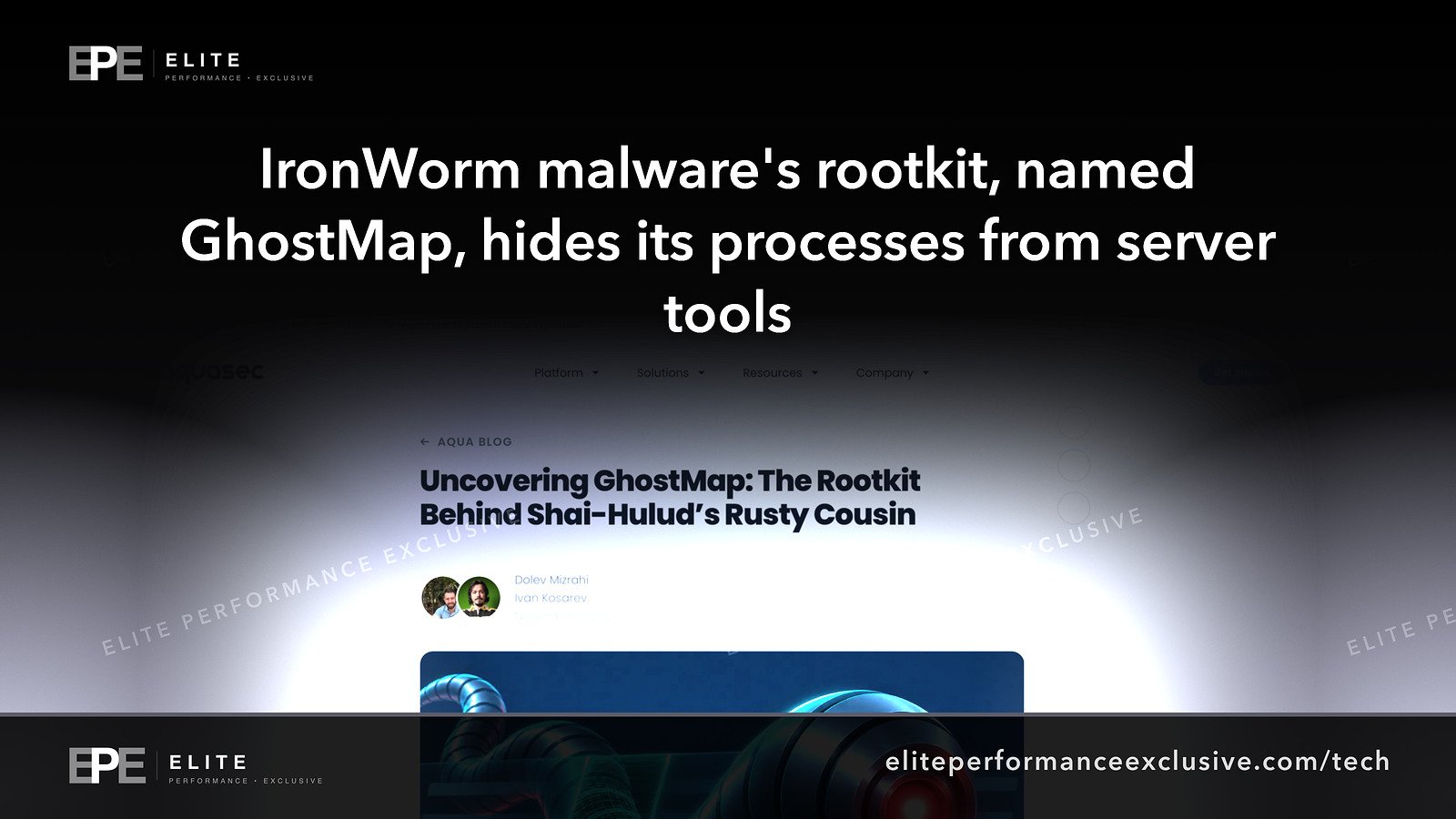
On November 17, 2026, Aqua Security published research by Dolev Mizrahi that names the rootkit part of the malware. In Aqua's words: "GhostMap is our research name for the shared rootkit component."
A rootkit is the part of a piece of malware whose job is to stay invisible. It does not have to steal anything itself. Its job is to hide whatever does.
How the GhostMap rootkit hides malware
JFrog's report describes two behaviors that matter to anyone who runs servers.
It hides processes. To show what is running, a monitoring tool asks the system for a list of process IDs. According to JFrog, "the rootkit rewrote the results in place, removing hidden PIDs before userland tools could see them." Put simply, the everyday commands your admin types get an edited answer, and so does any tool that relies on the same list. The malware is still running. The list just leaves it out.
It fights back when inspected. Investigators often attach a debugging tool to a suspicious program to watch what it does. JFrog reports: "Attempts to ptrace a protected process were answered with SIGKILL." ptrace is the standard way debuggers inspect another process. SIGKILL is a signal that ends a process immediately. So looking closely at the hidden program can get your inspection tool shut down.
What is confirmed and what is not
| Claim | Status | Source |
|---|---|---|
| IronWorm is a self-replicating supply-chain attack seen in real attacks | Confirmed by the researchers who caught it | JFrog |
| The rootkit removes hidden process IDs from results before tools see them | Reported by researchers | JFrog |
| Trying to debug a protected process gets answered with SIGKILL | Reported by researchers | JFrog |
| Nine organizations are affected | JFrog's count | JFrog |
| The real number may be higher | JFrog's assessment, not a count | JFrog |
| GhostMap is the name for the shared rootkit component | Aqua's research naming | Aqua Security |
JFrog puts the scale at nine organizations and adds that "the real impact could be significantly larger." It also warns: "this may not be the final form of the campaign, it may be the rehearsal." Both are the researchers' judgments, not measurements.
The primary sources we confirmed do not tell us:
- which nine organizations were hit, or their industries or countries
- exactly which software or path carried the infection
- whether data was stolen, and if so what kind
- what other malware shares the GhostMap component, even though Aqua calls it shared
- a list of signs of infection we can pass on
If you need those details, read the two reports directly. We are not going to guess at them.
Why this matters for a company network or website
Most businesses check a server's health the same way: log in, look at what is running and what it is connected to, and move on if nothing stands out. GhostMap goes after exactly that habit. When you run a check from inside an infected machine, the answer comes back through the attacker's code.
The supply-chain side makes the risk wider. Attacks carried in trusted software hit hardest on the machines that install the most of it: developer laptops, build servers and the systems that deploy your website or app. Those machines usually hold the keys to everything else: deploy credentials, cloud access and publishing tokens. If your business ships software, a self-replicating attack on those machines puts your customers at risk as well as you.
There is no patch to install. This is malware, not a bug in one vendor's product, so what you can do is detect it and recover. For keeping servers maintained in general, see Who Is Patching the Software That Runs Your Business?. For why cleaning up in the wrong order lets malware come back, see our Evooo1Bot cleanup post.
What to do this week
| Action | Why | How to check |
|---|---|---|
| Do not clear a server based only on its own process list | JFrog reports the rootkit edits what local tools see | Compare what the server says it is doing with what your firewall or network logs show |
| Review outbound traffic from servers and build machines | Network equipment outside the server sees traffic the server's own tools may not show | Look in firewall logs for server connections to destinations you do not recognize |
| Treat a debugger that gets killed as a warning sign | JFrog reports protected processes answer ptrace with SIGKILL | If an inspection tool dies when attached to a process, escalate instead of retrying |
| List which machines install third-party code | Supply-chain attacks arrive through trusted software | Name every developer laptop, build server and deploy system, and who owns each one |
| Plan to rebuild, not clean | A machine that can hide from you cannot be trusted after infection | Keep a tested way to rebuild servers from known-good images and redeploy |
| Rotate secrets on any suspect machine | Build and deploy machines hold credentials | Change deploy keys, cloud credentials and publishing tokens from a clean device |
GhostMap rootkit questions people are asking
What is GhostMap?
GhostMap is Aqua Security's research name for the shared rootkit component tied to IronWorm, described in its November 17, 2026 report. Its job is to hide the malware from the tools used to inspect a server.
What is IronWorm malware?
JFrog's researchers describe IronWorm as a self-replicating supply-chain attack caught in the wild. They published their analysis on 3 June 2026.
Is there a patch or fixed version for GhostMap?
No. GhostMap is part of a piece of malware, not a flaw in a product, and the sources name no fixed version. What you can do is detect it, rebuild affected machines and rotate the credentials they held.
Can standard server tools see GhostMap's hidden processes?
Not reliably. JFrog reports that the rootkit removes hidden process IDs before userland tools see them, so a tool that reads the list from the infected machine can be shown an edited version.
How many organizations has IronWorm hit?
JFrog counts nine organizations and says the real impact could be significantly larger. It has not published the full extent.
How do I know if my server is infected?
Do not rely only on checks run from the server itself. Compare its activity with what your network equipment records, and treat a debugger that gets killed when it attaches to a process as a reason to escalate.
Who discovered IronWorm and GhostMap?
The JFrog Security Research Team reported IronWorm. Aqua Security published the GhostMap research, written by Dolev Mizrahi.
The bigger lesson
A server's view of itself is only as honest as the server. When malware can edit what you see, the checks that count are the ones made from outside the machine, along with a tested way to rebuild it from scratch.
For help reviewing servers and build systems, see security hardening or get a quote.
Get security alerts like this by email, with our free checklist, at security alerts.
Sources: Aqua Security: GhostMap research; JFrog Security Research: Iron Worm.
Have a question about this article?
Ask it here and we will answer you directly by email. Questions are private, never posted.
Security alerts by email
Hear about the next one first.
When attackers start using a flaw in software businesses run on, we email what it is, whether it touches you and what to do that week, with a round-up of our latest security writing. Free, one-click unsubscribe. You get the checklist straight away: 12 things to secure this week.
Want a result like this?
Security alerts, breaches and the technology a business runs on: what happened, who it affects and what to do.
Get a Tech QuoteKeep reading
CISA Exploited Vulnerabilities: New Flaws Added to Its Catalog, a Vates Admin Bypass Under Attack and the Mitel MiCollab 10.3.0.18 Patch
CISA added actively exploited vulnerabilities to its catalog. Vates says a login bypass giving Admin access is...
Malicious NuGet Packages: 13 Fake Job Assessment Tests Targeted .NET Developers, NuGet Removed 12, and the Package Names to Check
Socket found 13 malicious NuGet packages handed to .NET developers as fake take-home job tests. NuGet has remo...
ARTEX AI Attacks: Microsoft Says China-Aligned Storm-0940 Used the AI Tool to Try Sign-Ins at More Than 2,250 Tenants, What Is Confirmed and What to Do
Microsoft says Storm-0940 used ARTEX, an open-source AI penetration testing framework, to try to sign in to mo...