Microsoft 365 Outage Phishing: Fake Held-Mail Emails Used the November 12 Disruption as Bait, What Is Confirmed and How to Check Who Clicked
Phishing emails used the November 12 Microsoft 365 outage as cover, falsely claiming messages held during the outage would be deleted within 24 hours. Here is what is confirmed, the domains involved, and how to check your mail.
Where United States · North America, United States & Canada
On this page 7 sections
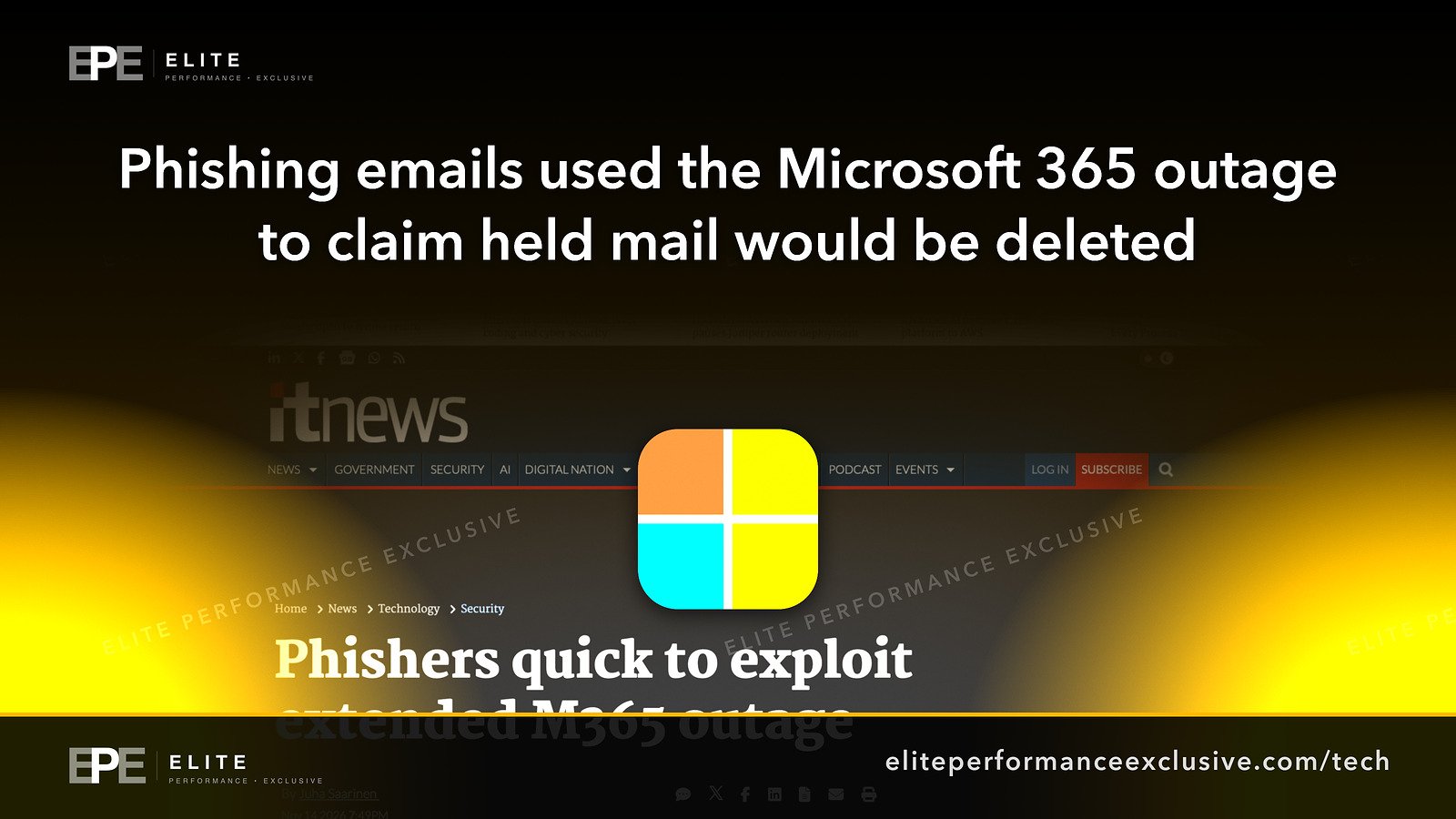
Microsoft says an active phishing campaign used the November 12 Microsoft 365 outage as bait. The emails falsely claimed that messages held during the outage would be deleted within 24 hours unless the recipient clicked to restore them. If your business runs on Outlook, Exchange Online or Teams, this is the kind of email that lands while everyone is still unsure what broke, so it is worth checking this week whether anyone in your company received it or clicked.
Khaleej Times reports that Microsoft Threat Intelligence found the campaign on a Saturday after the outage. iTnews, in a report by Juha Saarinen, published the sender domains and the link Microsoft found. Microsoft described the activity as consistent with credential phishing, but said this has not been confirmed.
One note on sourcing: we did not find a Microsoft advisory for this campaign. Everything below comes from three news reports that relay Microsoft's statements and findings, and we say so where it matters.
What happened during the Microsoft 365 outage
According to BleepingComputer, Microsoft says the Microsoft 365 incident began Thursday, November 12, at 1:26 PM ET. Microsoft warned that customers may be unable to connect to multiple services, including Exchange Online and Microsoft Teams.
Microsoft said the problem came from an issue during an earlier network capacity upgrade that surfaced after a recent network change. It also said it has found no indication that the outage was caused by malicious or cyber activity. In other words, the outage itself was not an attack. Attackers took advantage of it afterwards.
Microsoft apologised publicly: "We are deeply sorry for the disruption this incident has caused our customers and partners."
What our sources do not say: how long the outage lasted or when every service was fully restored. We are not going to guess.
How the Microsoft 365 outage phishing emails worked
The lure was simple and well timed. The emails claimed that messages had been held during the outage and would be deleted within 24 hours. Microsoft calls that claim false. The deadline is the pressure: click now or lose your mail.
What Microsoft found, as reported by iTnews:
- Three sender domains: moments-notice[.]com, planetmaison[.]com and newbooker[.]com.
- A tracked link: each message used a recipient-specific SendGrid click-tracking link, which redirected to reallifeaccounting[.]com. The address a person sees first is not where they end up.
- Targets: organizations across multiple US sectors.
The domains above are written with [.] so they are not clickable. Do not visit them.
What is confirmed and what is not
| Claim | Status |
|---|---|
| The outage began November 12 at 1:26 PM ET | Microsoft's statement, as reported by BleepingComputer |
| The outage was caused by an attack | No. Microsoft says it found no indication of malicious or cyber activity |
| A phishing campaign used the outage as a lure | Microsoft Threat Intelligence finding, as reported |
| The campaign steals passwords | Not confirmed. Microsoft says it is consistent with credential phishing |
| The sender domains and redirect domain | Published by iTnews from Microsoft's findings |
| How many organizations received it, or how many people clicked | Not known |
| What the final page asks for or does | Not stated in our sources |
| Whether the campaign is still running | Not stated in our sources |
Why an Outlook outage is a security risk for a business
An outage changes how people read email. Staff have just spent hours unable to send or receive messages, so a notice about held mail sounds believable. Your IT person is busy restoring access, not watching the inbox. And a 24-hour deadline pushes people to act before they ask anyone.
For most businesses, the Microsoft 365 account is the centre of everything: customer conversations, invoices, shared files and the password reset emails for other systems. A phishing page that collects that login gets far more than one mailbox. Microsoft has not confirmed that this campaign collects passwords, but it describes the activity as consistent with it, which is reason enough to check.
This is also a resilience question. When a cloud service you depend on goes down, someone needs to tell staff what is happening and how they will hear about it. If the only updates arrive by email, a fake update has an easy job. We wrote about having that plan in place in When Your Systems Go Down, Who Do You Call?.
What to do this week
Microsoft points security teams to Microsoft Defender for Office 365 Threat Explorer and Microsoft Defender XDR advanced hunting, using the EmailEvents, EmailUrlInfo and UrlClickEvents tables, to find the messages, examine the links inside them and trace who clicked.
| Task | How to check |
|---|---|
| Find the emails | Search Threat Explorer, or the EmailEvents table, for mail from moments-notice[.]com, planetmaison[.]com and newbooker[.]com |
| Find the links | Search the EmailUrlInfo table for URLs containing reallifeaccounting[.]com or SendGrid tracking links in those messages |
| Find who clicked | Search the UrlClickEvents table for clicks on those URLs and note each user |
| Act on anyone who clicked | Treat their account as possibly exposed: change the password and have your IT person review the account's recent sign-ins |
| Block the domains | Add the three sender domains and reallifeaccounting[.]com to your email filter's block list |
| Tell your staff | Explain that emails warning that held mail will be deleted within 24 hours are the lure in this campaign, and that outage updates will come from your IT person, not a link in an email |
If your business does not use Microsoft Defender for Office 365, ask whoever manages your email security to search their own logs for the same four domains. The domains are the useful part, whichever tool you use.
Microsoft 365 outage questions people are asking
Was the Microsoft 365 outage a cyberattack?
No. Microsoft said it has found no indication that the outage was caused by malicious or cyber activity. It traced the problem to an issue during an earlier network capacity upgrade that surfaced after a network change.
When did the Microsoft 365 outage start?
Microsoft says the incident began Thursday, November 12, at 1:26 PM ET.
Which services were affected by the Microsoft outage?
Microsoft said customers may be unable to connect to multiple services, including Exchange Online and Microsoft Teams.
Is Microsoft deleting emails held during the outage?
The phishing emails made that claim, and Microsoft's finding calls it false. Do not click links in emails threatening to delete held mail.
Did the Microsoft 365 outage phishing emails steal passwords?
That is not confirmed. Microsoft described the activity as consistent with credential phishing but said this has not been confirmed.
What domains did the phishing campaign use?
The sender domains were moments-notice[.]com, planetmaison[.]com and newbooker[.]com. Links went through a SendGrid click-tracking link that redirected to reallifeaccounting[.]com.
How do I check if my staff got the phishing email?
Search your mail logs for the three sender domains. In Microsoft Defender, use Threat Explorer or advanced hunting with the EmailEvents, EmailUrlInfo and UrlClickEvents tables.
Who was targeted?
Microsoft says the campaign targeted organizations across multiple US sectors. The number of organizations is not known.
The bigger lesson
An outage is not only downtime. It is a moment when people expect strange messages and act quickly, and attackers know it. The fix is not complicated: decide in advance how staff will hear about outages, teach them that real status updates never come with a deadline to click, and make sure someone can search your mail logs when a campaign like this is published.
If you want your email and accounts set up so lures like this have less to work with, see security hardening or get a quote.
Get security alerts like this by email, with the free checklist, at security alerts.
Sources: Khaleej Times; iTnews; BleepingComputer.
Have a question about this article?
Ask it here and we will answer you directly by email. Questions are private, never posted.
Security alerts by email
Hear about the next one first.
When attackers start using a flaw in software businesses run on, we email what it is, whether it touches you and what to do that week, with a round-up of our latest security writing. Free, one-click unsubscribe. You get the checklist straight away: 12 things to secure this week.
Want a result like this?
Security alerts, breaches and the technology a business runs on: what happened, who it affects and what to do.
Get a Tech QuoteKeep reading
PostgreSQL Security Update: 52 Vulnerabilities Fixed Including CVE-2026-6460, PostgreSQL 14 Reaches End of Life, and the Versions to Install
PostgreSQL's November 12 update fixes 52 security vulnerabilities, including CVE-2026-6460, a code execution f...
PostgreSQL Vulnerability CVE-2026-6460: Object Creators Can Run Code on the Database Server, 52 Flaws Fixed, and Why Updating Without Rebuilding Extensions Is Not Enough
PostgreSQL fixed 52 security flaws, including CVE-2026-6460, which lets an account that can create objects run...
ScreenConnect Vulnerability CVE-2026-84869: Exploited Flaw Runs on Technician Machines, Why Server Updates Fall Short, and Version 26.6.5
A ScreenConnect flaw, CVE-2026-84869, is being exploited, and the vulnerable code runs on the technician's mac...