mSecure Suspicious Activity Notice: The Password Manager Says Change Passwords, Reset 2FA and Remove Passkeys, What Is Confirmed and What to Do
An email from mSecure's developer reports suspicious activity and advises changing passwords, resetting 2FA and removing passkeys. Here is what is confirmed, what is not, and what businesses should do this week.
Where Worldwide
On this page 8 sections
On Tuesday, November 3, 2026, current and former customers received an email in the name of mSeven Software, the company that makes the mSecure password manager. The email says the company "recently learned of suspicious activity" associated with mSecure. If anyone at your business keeps work logins in mSecure, the email asks them to change passwords, set up two-factor authentication (2FA) again and remove passkeys. That deserves a planned response this week. It is not a reason to panic, and it is not a reason to ignore it.
The details are thin. Below is what the notice says, what is and is not confirmed, and the order we would do the work in.
What the mSecure security notice says
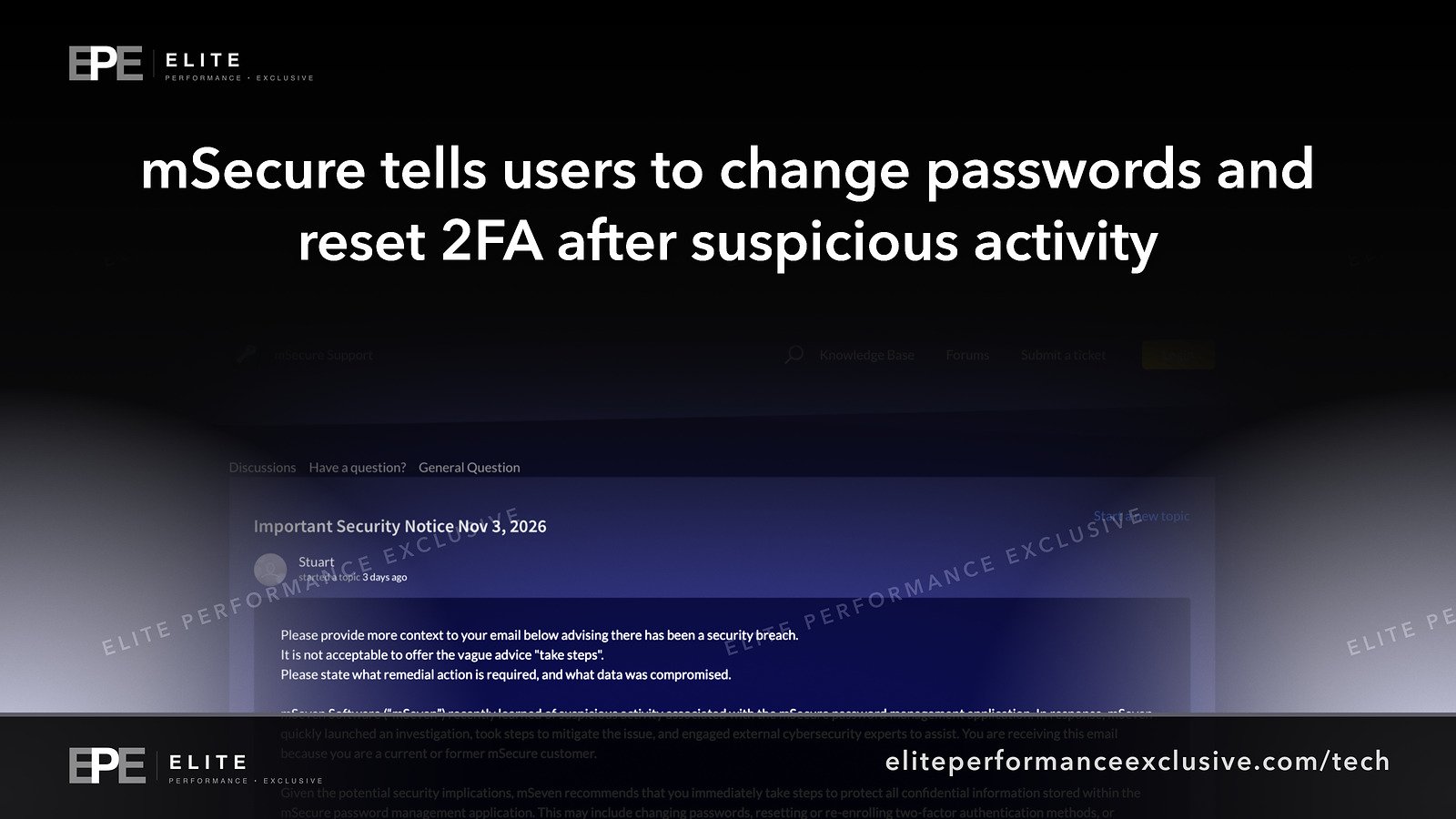
The text below comes from copies of the email that customers posted in a thread titled "Important Security Notice Nov 3, 2026" on mSecure's official support forum. According to that text, mSeven:
- "recently learned of suspicious activity" associated with mSecure
- "quickly launched an investigation" and "took steps to mitigate the issue"
- "engaged external cybersecurity experts to assist"
- recommends customers "immediately take steps to protect all confidential information stored" in the app, which may include changing passwords, re-enrolling 2FA and removing passkeys
The email also says: "You are receiving this email because you are a current or former mSecure customer."
Was mSecure hacked? What is confirmed and what is not
| Question | What we can say |
|---|---|
| Did customers receive this email? | Yes. Many customers in mSecure's own support forum say they got it, and the text they quote matches. |
| Has mSecure confirmed the email is genuine? | Not in the forum thread. When we read its first page on November 4, every reply came from a customer and none from staff. Some customers say the sender address looked legitimate. One says they found nothing about it on the mSecure homepage. |
| Was there a breach? | Not confirmed. The notice says "suspicious activity", not breach. |
| Were vaults or stored passwords accessed or decrypted? | Not stated. |
| Which systems, when, and is it over? | Not stated. |
| How many people are affected? | Not stated. |
Customers in the thread are asking the questions you would ask: what exactly was affected, whether the whole vault or only the account password is at risk, and whether the app is still safe to use. At the time of writing we could not find a public answer to any of them that we could verify.
How mSecure says your vault is protected
mSecure's security model page says vault data is encrypted on your device with AES-256 "before it ever leaves your device". It says the servers hold only encrypted data and that "even we (mSecure's developers) cannot access your information." To sign in on a new device you need your email, your Account Password and a 46-character Account Key that your device generates.
If that design holds up, a copy of mSecure's server data would be encrypted vault files, not readable passwords. Even so, the notice tells customers to change everything, and it does not say why. Until mSeven explains, plan for the cautious case.
There is also a reason the notice covers 2FA and passkeys. According to mSecure's July 29, 2026 post on passkeys and OTPs, mSecure 7 on the Essentials plan and up stores passkeys next to passwords and can generate and store 2FA codes in the vault. If one vault holds both the password and the 2FA code for an account, that vault holds both factors. It is convenient, and it explains why the notice goes beyond passwords.
How to check the mSecure email is real
Attackers copy real incident emails fast, so don't click links in this email or in any follow-up "security notice". Instead:
- Type support.msecure.com into your browser, or open the mSecure app, and look for an official statement.
- Open a support ticket from that site and ask directly.
- Search your inbox for "New Sign-In" emails from mSecure. mSecure's support article on unauthorized sign-ins says that if you get one you don't recognize, act immediately, starting with your mSecure Account Password. It warns that "the thief may have already made a backup of your data". It also says a full account reset will delete all of your data unless you have a backup.
What to do this week
| Step | What to do | How to know it is done |
|---|---|---|
| 1. Find every mSecure user | Ask staff directly. Check app store and card receipts. Count personal vaults that hold work logins. | A list of users and the work accounts each one stores |
| 2. Check the notice | Use the typed address or a support ticket, never a link in the email | An official page or reply, saved |
| 3. Back up first | Export a backup before any reset and store it encrypted and offline | The backup file opens |
| 4. Change the mSecure Account Password | In the app, then review any New Sign-In emails | No sign-ins you don't recognize |
| 5. Change the most important passwords first | Email and Microsoft 365 or Google Workspace admin, banking, payroll, domain registrar, DNS, hosting, website admin, firewall and server logins. Change each one on the real site. | A log of each account and the date it changed |
| 6. Set up 2FA again where codes were in mSecure | Remove the old authenticator on each site and enroll a new one. Keep codes for the most important accounts in a separate app or on a hardware security key. | Old codes stop working |
| 7. Remove and recreate passkeys stored in mSecure | Delete the passkey in each website's security settings, then create a new one | The old passkey no longer appears on the account |
| 8. Check shared vaults and former staff | Change the logins in shared vaults, and any logins former employees stored | Shared items changed |
| 9. Warn staff | Expect fake "mSecure" emails asking for a sign-in | Staff know where to report them |
Deleting a passkey on the website is what makes step 7 work. The site keeps the public half of the key, so once you remove it there, any copy of the private half stops working, wherever it is stored.
Why this matters for a business network
A password manager holds the keys to everything else: website and hosting admin, email, the firewall, Wi-Fi, vendor portals and banking. Even if nothing was taken, changing all of those across a team takes hours. A business that doesn't know what sits in its vaults finds out under pressure.
The email went to former customers as well. If your company moved off mSecure, the logins people stored back then may still work today. The notice does not say whether former customers face any risk, so the cautious move is to change the high-value ones too.
mSecure suspicious activity questions people are asking
Was mSecure breached?
Not confirmed. The notice reports "suspicious activity" and an investigation. It does not say any data was taken.
Is the mSecure security email real?
Many customers received matching copies, but when we checked on November 4 no mSecure staff member had confirmed it in the forum. Check through a site address you type yourself or a support ticket.
Do I have to change every password in mSecure?
The notice recommends it. Start with email, banking, domain, hosting and admin accounts, then work down the list.
Why does mSecure say to remove passkeys?
The notice doesn't explain. mSecure 7 can store passkeys in the vault, and deleting a passkey on the website and making a new one stops any old copy from working.
Should my business stop using mSecure?
That is your call once mSeven publishes details. Until then, we would hold off on adding new admin logins to it.
I am a former mSecure customer. Does this affect me?
The notice was addressed to former customers too and does not say why. Change any old logins that still work.
The bigger lesson
A password manager is still the right tool. Plan for the day your vendor sends an email like this one: know what is in each vault, who owns each account, which accounts matter most, and keep 2FA for those accounts outside the vault. A written plan for changing passwords turns a vague notice into a checklist instead of a scramble.
To set that up properly, see our security hardening service or request a quote.
Get security alerts by email, plus our free checklist, at /security-alerts.
Sources: mSecure support forum, Important Security Notice Nov 3, 2026; mSecure security model; mSecure, sign in was not authorized; mSecure, passkeys and OTPs.
Have a question about this article?
Ask it here and we will answer you directly by email. Questions are private, never posted.
Security alerts by email
Hear about the next one first.
When attackers start using a flaw in software businesses run on, we email what it is, whether it touches you and what to do that week, with a round-up of our latest security writing. Free, one-click unsubscribe. You get the checklist straight away: 12 things to secure this week.
Want a result like this?
Security alerts, breaches and the technology a business runs on: what happened, who it affects and what to do.
Get a Tech QuoteKeep reading
Moldova Cyberattack: State Actor Suspected After Citizen Data Was Taken From Government Systems, What Is Confirmed and What to Check
Moldova says hackers accessed the personal data of about 450,000 citizens through government digital services....
Park Dental Data Breach Settlement: Up to $2,500 for Patients, a December 28 Claim Deadline, and Why the Case Is Still Not Over
Park Dental patients have until December 28, 2026 to claim up to $2,500 or $60, plus credit monitoring, over a...
Rosstat Cyberattack: Russia's Statistics Agency Is Still Restoring Systems, What Is Confirmed and What Businesses Should Check
Rosstat says it is still restoring systems after cyberattacks from October 29 to November 1, 2026. Hackers cla...
