Windows Paint Vulnerability CVE-2026-83844: The Fix Comes Through the Microsoft Store, Not Windows Update, and the Build to Check
Microsoft fixed a remote code execution flaw in Windows Paint, but the fix comes through the Microsoft Store, not Windows Update. Here is what is confirmed, why the fixed build number changed, and how to check every PC for 11.2609.401.0.
Where Worldwide
On this page 8 sections
Microsoft has fixed a remote code execution flaw in Windows Paint, tracked as CVE-2026-83844, but Windows Update does not deliver the fix. Paint is a Microsoft Store app, so a PC can show every Windows update installed and still run a vulnerable copy of Paint until the Store updates it.
For a business, that gap is the story. Most patch reports track Windows Update. This fix sits outside those reports, and Microsoft's own data on which build fixes the flaw changed after release.
What Microsoft confirmed about the Paint vulnerability
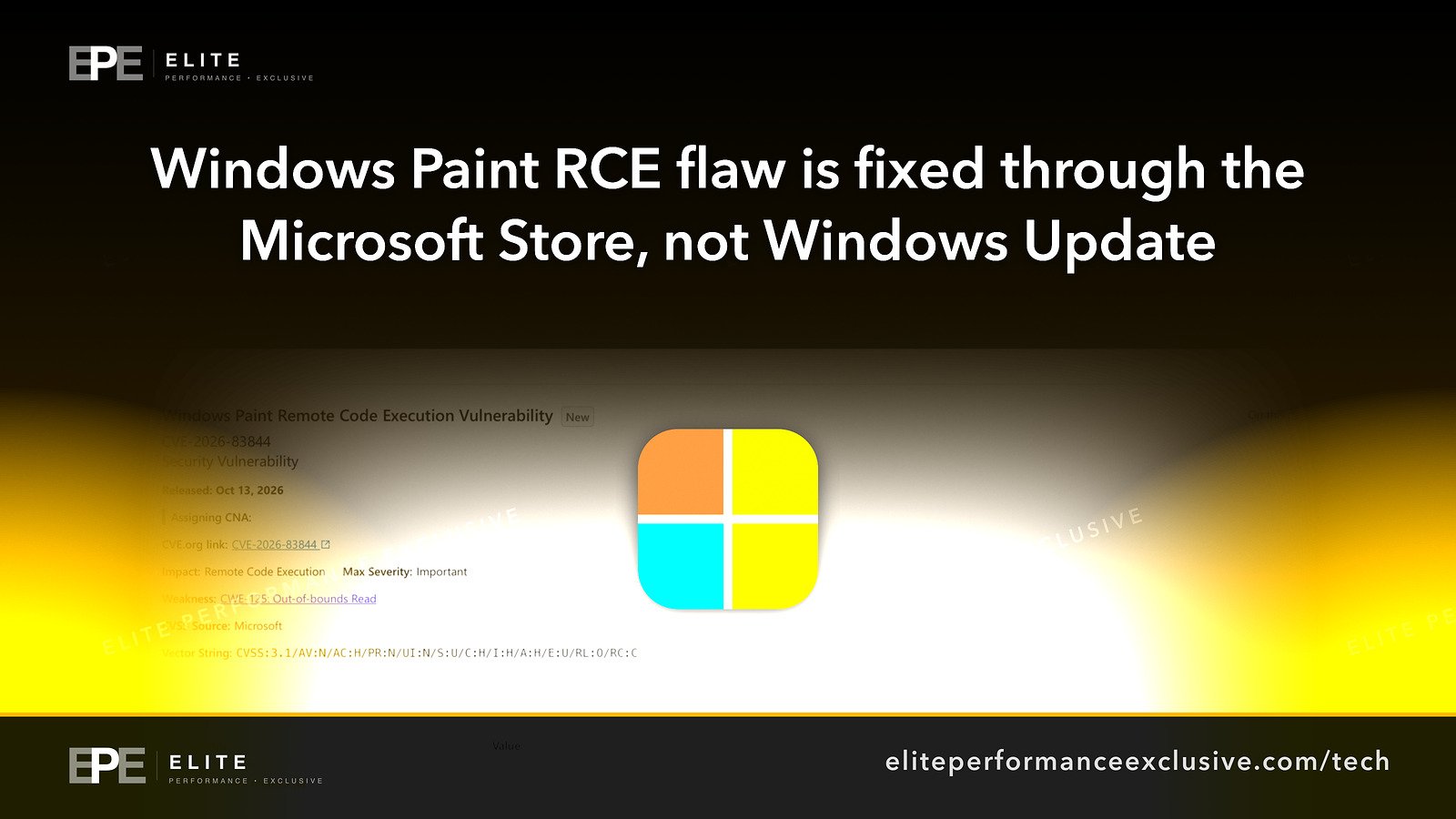
Microsoft published CVE-2026-83844 on Tuesday, October 13, 2026, as part of October Patch Tuesday. The advisory is titled "Windows Paint Remote Code Execution Vulnerability." Here is what Microsoft's advisory data and the public CVE record confirm:
- The flaw: "Out-of-bounds read in Windows Paint allows an unauthorized attacker to execute code over a network." The CVE record classifies it as CWE-125, an out-of-bounds read.
- Severity: Microsoft rates it Important. The CVSS 3.1 base score is 8.1, with a network attack vector, high attack complexity, and no privileges or user interaction required.
- Status at release: not exploited and not publicly disclosed.
- The fix: Microsoft lists the update type as "Store App" and the fixed Paint build as 11.2609.401.0. It marks customer action as required.
- Workarounds: we found none in Microsoft's advisory data.
Microsoft's FAQ says very little about how an attack would work. It states that "An unauthenticated attacker could exploit this vulnerability by sending a specially crafted packet to an affected service," over the network, with no sign-in and no user interaction. It rates attack complexity as high, explaining that successful exploitation "requires an attacker to have a deep understanding of the system."
What is not known yet
- What the "affected service" is. Microsoft does not name it. Brian Vitko of RFF, a maker of device management software who tested the update, calls the packet wording an odd description for an image editor and says he does not know the real trigger. We do not know it either, and we have seen no primary source that explains it.
- Why the fixed build changed. More on this below. Microsoft's revision history for the advisory shows only the original October 13 entry, with no note about a change.
- How fast every PC gets the fix. Store updates roll out on their own schedule, and that schedule is outside your patch cycle.
Why the Paint fixed build number is confusing
On October 30, a user on Microsoft's Q&A forum pointed out that the Security Update Guide listed the fixed Paint version as 11.2605.91.0. They could not find that version anywhere and said the newest Paint available was 11.2605.81.0. The only reply came from another community member, not Microsoft, who guessed it was a typo.
Microsoft's update data now names 11.2609.401.0. The public CVE record, last updated October 31, still lists Paint as affected only below 11.2605.91.0. RFF's write-up says 11.2605.91.0 never appeared in the Store.
What this means for you: go by Microsoft's number, 11.2609.401.0. A vulnerability scanner that reads the CVE record sets a lower bar, so it would treat any build from 11.2605.91.0 up to just below 11.2609.401.0 as fixed when Microsoft does not. When we read the Store catalog we saw no build in that range, but check machines against 11.2609.401.0 rather than relying on the scanner's verdict alone.
When the Paint fix actually reached the Store
RFF reports that on November 5 at 03:34 UTC, the Store catalog still served 11.2605.81.0 as the newest Paint in the US, UK, Germany, Australia, India and Singapore. By November 6 at 04:14 UTC, it was serving 11.2609.401.0 in the US, UK and Germany. RFF also says its test virtual machine picked up the fixed build through Store auto-update.
We checked the Store's US catalog entry for Paint on November 6 ourselves. The newest build listed was 11.2609.401.0, and the records were last modified on November 5. We did not see the earlier state, so the timeline before that rests on RFF's checks. If they are right, there was no fixed build to install for roughly three weeks after the advisory came out.
Why this matters for a company network
- Windows Update compliance does not cover it. A machine can be fully current on Windows updates and still run vulnerable Paint. A clean monthly patch report says nothing about Store app versions.
- The Store may be switched off. Many companies disable the Microsoft Store or its auto-updates to control what gets installed. If yours does, Paint will not update itself, and someone has to push the update.
- Paint is installed per user. Each user account has its own copy, and Windows can keep a provisioned copy for new users. Checking only the signed-in account on a shared PC can miss vulnerable copies.
- The scanner and the vendor disagree. Until the CVE record is corrected, your tools and Microsoft use different fixed versions.
This is the same problem we described in Updated Is Not the Same as Patched and Who Is Patching the Software That Runs Your Business?: each update channel needs an owner, or nobody checks it.
Windows Paint fix checklist for this week
| Step | What to do | How to check |
|---|---|---|
| 1. Find every copy | Run the PowerShell commands below as administrator on each PC, or through your management tool | Any version below 11.2609.401.0 needs updating |
| 2. Update Paint | On a single PC: Microsoft Store, Library, Get updates. Across many PCs: run a Store app update scan from your device management tool (Intune or similar) | Run the commands again and confirm 11.2609.401.0 or later |
| 3. Check the provisioned copy | The second command shows the copy Windows gives new users | Version should be 11.2609.401.0 or later |
| 4. Review Store policy | If Store auto-update is off, decide who pushes Store app fixes and how | Documented owner and method |
| 5. Question scanner results | A "fixed" result is only trustworthy if the build is 11.2609.401.0 or later | Compare scanner output with the actual version |
| 6. Remove Paint where unused | RFF suggests removing Paint where nobody needs it, for all users and the provisioned copy. RFF did not test this, so try one machine first | Paint no longer listed by the commands |
| 7. Check again next week | Store rollouts vary by machine and country | Rerun step 1 |
To check one PC by hand, open Settings, Apps, Installed apps, find Paint, and open Advanced options to see the version.
To list every user's copy and the provisioned copy, RFF published these commands (run PowerShell as administrator):
Get-AppxPackage -AllUsers -Name Microsoft.Paint |
    Select-Object Version, @{ n = 'Users'; e = { $_.PackageUserInformation.UserSecurityId.Username -join ', ' } }
Get-AppxProvisionedPackage -Online | Where-Object DisplayName -eq 'Microsoft.Paint' | Select-Object Version
If your business runs a mixed fleet of Windows PCs and servers, our security hardening work includes building checks like this into routine patch reporting.
Windows Paint vulnerability questions people are asking
Is the Paint vulnerability being exploited?
When Microsoft published the advisory on October 13, 2026, it marked the flaw as not exploited and not publicly disclosed. That can change, so update now rather than waiting.
Does Windows Update fix the Paint vulnerability?
No. Microsoft delivers this fix as a Microsoft Store app update. Windows Update does not install it.
What version of Paint fixes CVE-2026-83844?
Microsoft's Security Update Guide names Paint build 11.2609.401.0. Anything older should be updated.
Why does my scanner say 11.2605.91.0 is the fixed version?
The public CVE record still uses the older figure of 11.2605.91.0. Microsoft's current data says 11.2609.401.0, and that is the version to check against.
Is 11.2605.81.0 safe?
No. It is below both the CVE record's threshold and Microsoft's fixed build.
How do I check the Paint version on many PCs?
Run the two Get-AppxPackage and Get-AppxProvisionedPackage commands above through your management tool, or use its app inventory report, and flag anything below 11.2609.401.0.
Can we just remove Paint?
Where nobody uses it, removal shrinks the exposure. RFF suggests removing it for all users and from the provisioned copy, but says it did not test this. Try it on one machine before rolling it out.
The bigger lesson
Patching is not one button. Windows updates, Store apps, browsers, firmware and plugins each arrive through their own channel, and a report that covers only one of them can look complete while leaving gaps. Write down every channel your business depends on, name the person who checks each one, and verify version numbers against the vendor's advisory, not just a tool's verdict.
See how we approach security hardening, or request a quote for a patch coverage review.
Get security alerts like this by email, plus our free checklist, at /security-alerts.
Sources: Microsoft Security Update Guide, CVE-2026-83844; CVE record for CVE-2026-83844; RFF, Windows Paint CVE-2026-83844 test write-up; Microsoft Q&A, Microsoft Paint 11.2605.91.0; Microsoft Store catalog entry for Paint.
Have a question about this article?
Ask it here and we will answer you directly by email. Questions are private, never posted.
Security alerts by email
Hear about the next one first.
When attackers start using a flaw in software businesses run on, we email what it is, whether it touches you and what to do that week, with a round-up of our latest security writing. Free, one-click unsubscribe. You get the checklist straight away: 12 things to secure this week.
Want a result like this?
Security alerts, breaches and the technology a business runs on: what happened, who it affects and what to do.
Get a Tech QuoteKeep reading
Sega Data Breach: 2.2 Million Email Addresses Leaked Through Email Vendor Arara, What Is Confirmed and What to Check
Sega says 2,196,044 newsletter email addresses leaked in a breach at its email vendor Arara, whose total has g...
Jensen Huang Investigation: NVIDIA's Board Opens a Probe Into a Reported Foreign Intelligence Effort, What Is Confirmed and How to Protect Your Executives
NVIDIA's board has opened an independent investigation after reports that CEO Jensen Huang was a foreign intel...
ArmorSteal Malware: Fake Chocolatey and Activation Tool Sites Steal Passwords and Crypto, and How to Check Your Windows PCs
ArmorSteal is Windows malware spread through fake Chocolatey and Microsoft Activation Scripts pages. It steals...
