SLMGR Error 0x80041008: Microsoft's Out-of-Band KB5136483 Fixes Windows Activation Failures After the November 10 Update, and What to Check This Week
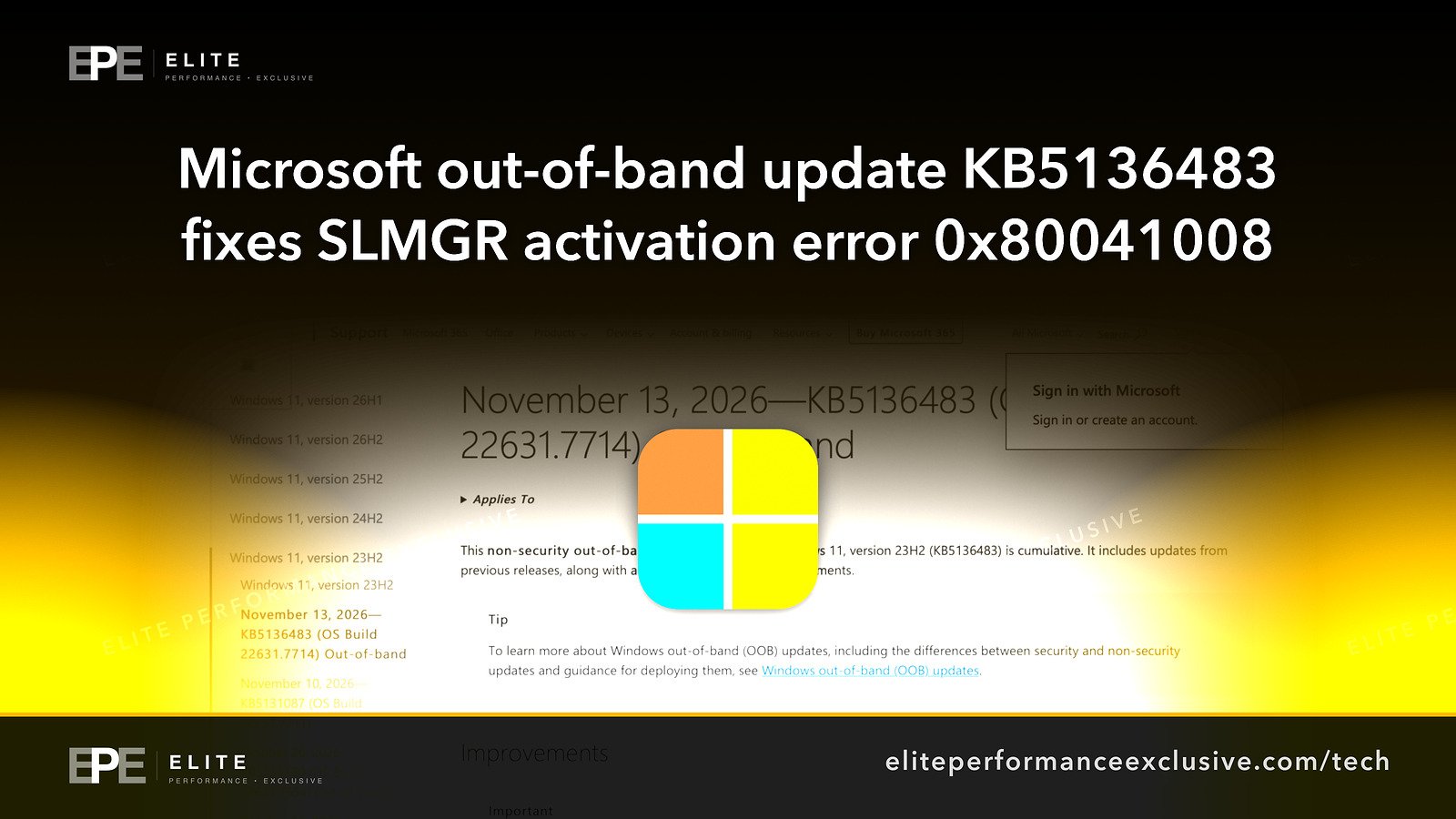
Microsoft released out-of-band update KB5136483 (OS Build 22631.7714) on November 13, 2026. It fixes SLMGR licensing and activation commands that could fail with error 0x80041008. Devices that were already activated stayed activated.
Where Worldwide
On this page 7 sections
Microsoft has released an out-of-band Windows update, KB5136483. It fixes a problem where licensing and activation commands run through the Software Licensing Management Tool (SLMGR) could fail with error 0x80041008. If your IT team or your device setup scripts use slmgr.vbs to activate Windows, set up KMS activation or install product keys, those jobs may have failed after the November update, and this is the fix.
Microsoft published KB5136483 on Friday, November 13, 2026, as OS Build 22631.7714. It follows the November 10, 2026 update, KB5131087 (OS Build 22631.7711). Microsoft also says devices that were already activated stayed activated. So this broke setup and licensing work. It did not switch off activation on PCs that were already running.
What happened with Windows activation in November 2026
On Tuesday, November 10, 2026, Microsoft released KB5131087, which brought Windows to OS Build 22631.7711. Three days later, on Friday, November 13, Microsoft shipped KB5136483 (OS Build 22631.7714) outside its normal schedule. Microsoft calls this kind of release out-of-band.
Microsoft's release notes for KB5136483 describe the fix as addressing "An issue where certain Windows licensing and activation operations using the Software Licensing Management Tool (SLMGR) might fail with error 0x80041008".
SLMGR is the command-line tool, run as slmgr.vbs, that administrators use to manage Windows licensing. Microsoft says the issue mainly affected organizations that use slmgr.vbs commands or automated processes to configure KMS activation, install product keys or manage licensing.
One line in Microsoft's notes should calm most business owners: "Devices that were already activated remained activated".
What is confirmed and what is not known
Confirmed by Microsoft's own support pages:
- KB5136483 is an out-of-band update dated November 13, 2026, OS Build 22631.7714.
- It fixes SLMGR licensing and activation operations that could fail with error 0x80041008.
- The organizations mainly affected used slmgr.vbs or automated processes for KMS activation, product key installation or licensing management.
- Devices that were already activated stayed activated.
- The November 10, 2026 update, KB5131087 (OS Build 22631.7711), is the update this problem followed.
Not known from the sources we reviewed:
- Other Windows versions. Our sources cover OS Builds 22631.7714 and 22631.7711 only. They do not say whether other Windows versions were affected or got their own fixes.
- Scale. Microsoft's pages give no figure for how many organizations were hit.
- Root cause. The pages we reviewed do not explain what in the November 10 update caused the failure.
- Delivery and contents. They do not say how KB5136483 is offered in each update tool, or whether it contains anything beyond this fix.
We are not filling those gaps with guesses. If you manage several Windows versions, check Microsoft's release notes for each one before you assume it is affected or safe.
Who is affected by Windows activation error 0x80041008
The people most likely to have run into this are:
- IT teams that build or reimage PCs and run slmgr.vbs during setup to install a product key or point the machine at a KMS host.
- Organizations with KMS activation, where scripts or deployment tools configure activation for many devices at once.
- Anyone with automated licensing jobs that change keys or licensing settings on a schedule.
If nobody in your company touches activation after a PC is set up, and your devices were already activated, Microsoft's notes suggest you were mostly unaffected day to day. Where you will notice it is the next new laptop, the next reimage, or the next licensing change.
How to fix SLMGR error 0x80041008 this week
| Step | What to do | How to check |
|---|---|---|
| 1 | Find devices not yet on OS Build 22631.7714 | Run winver on a device and read the OS Build number |
| 2 | Install KB5136483 on those devices | The OS Build should read 22631.7714 or later |
| 3 | Rerun any slmgr.vbs commands that failed after November 10 | The command finishes with no 0x80041008 error |
| 4 | Check deployment and imaging scripts that set KMS or product keys | Run one test device through the whole setup |
| 5 | Review licensing automation logs from November 10 onward | Look for jobs that failed with 0x80041008 and run them again |
| 6 | Leave already activated devices alone | Microsoft says they stayed activated, so do not reinstall keys out of caution |
A practical order: patch one test machine, rerun your activation script on it, confirm it works, then roll out to the rest. Check Microsoft's KB5136483 page to see how it is offered in your update tool.
Why this matters for a business network
Activation errors sound minor until they block work. A new hire's laptop that cannot finish setup, or a batch of reimaged machines that fail their licensing step, can cost a day of an IT person's time. That time often goes to chasing the wrong cause.
There is also a patching lesson here. Out-of-band fixes like this one mean the regular monthly update was not the last word. Teams that pilot updates on a few machines first, including a test run of their setup scripts, catch problems like error 0x80041008 before every device is involved.
It is also a reminder that installing an update is not the end of the job. Someone has to check that the systems around it still work.
SLMGR error 0x80041008 questions people are asking
What is error 0x80041008 in Windows activation?
It is the error Microsoft names for certain SLMGR licensing and activation operations that might fail. Microsoft fixed it in KB5136483.
Which update fixes the Windows activation problem?
KB5136483, an out-of-band update released November 13, 2026, OS Build 22631.7714.
Which update caused the SLMGR activation failures?
The problem followed the November 10, 2026 update, KB5131087 (OS Build 22631.7711). Microsoft's pages we reviewed do not explain the root cause.
Will my Windows PCs become deactivated?
Microsoft says devices that were already activated remained activated.
Does this affect KMS activation?
Yes. Microsoft says the issue mainly affected organizations using slmgr.vbs or automated processes to configure KMS activation, install product keys or manage licensing.
Are other Windows versions affected?
The sources we reviewed cover OS Builds 22631.7714 and 22631.7711 only. They do not say whether other versions were affected.
Do I need to do anything if activation already works?
Install KB5136483 so your next setup or licensing change does not fail. You do not need to reactivate devices that are already activated.
The bigger lesson
A monthly update can fix one thing and break another, and the fix for the break can arrive days later. Businesses that test updates on a few machines first, keep their setup scripts in that test, and check results after rollout spend far less time chasing errors like 0x80041008. Patching is a process with a check at the end, not a button.
Want your Windows fleet, servers and setup scripts patched and checked for you? See security hardening or get a quote.
Get security alerts by email, plus the free checklist, at /security-alerts.
Sources: Microsoft Support, KB5136483 (OS Build 22631.7714) Out-of-band; Microsoft Support, KB5131087 (OS Build 22631.7711).
Have a question about this article?
Ask it here and we will answer you directly by email. Questions are private, never posted.
Security alerts by email
Hear about the next one first.
When attackers start using a flaw in software businesses run on, we email what it is, whether it touches you and what to do that week, with a round-up of our latest security writing. Free, one-click unsubscribe. You get the checklist straight away: 12 things to secure this week.
Want a result like this?
Security alerts, breaches and the technology a business runs on: what happened, who it affects and what to do.
Get a Tech QuoteKeep reading
Microsoft 365 Outage Phishing: Fake Held-Mail Emails Used the November 12 Disruption as Bait, What Is Confirmed and How to Check Who Clicked
Phishing emails used the November 12 Microsoft 365 outage as cover, falsely claiming messages held during the...
Fireworks AI Data Breach: Uber Notifies 149,346 People After Hackers Stole Driver License Data From Its AI Vendor, What Is Confirmed and What Businesses Should Check
Uber says hackers stole drivers' names, addresses, dates of birth and license numbers in a breach at vendor Fi...
PostgreSQL Security Update: 52 Vulnerabilities Fixed Including CVE-2026-6460, PostgreSQL 14 Reaches End of Life, and the Versions to Install
PostgreSQL's November 12 update fixes 52 security vulnerabilities, including CVE-2026-6460, a code execution f...