1Password Breach: Attacker Used an Employee's GitHub Account to Copy Customer Records, Vaults Not Affected, and What to Do This Week
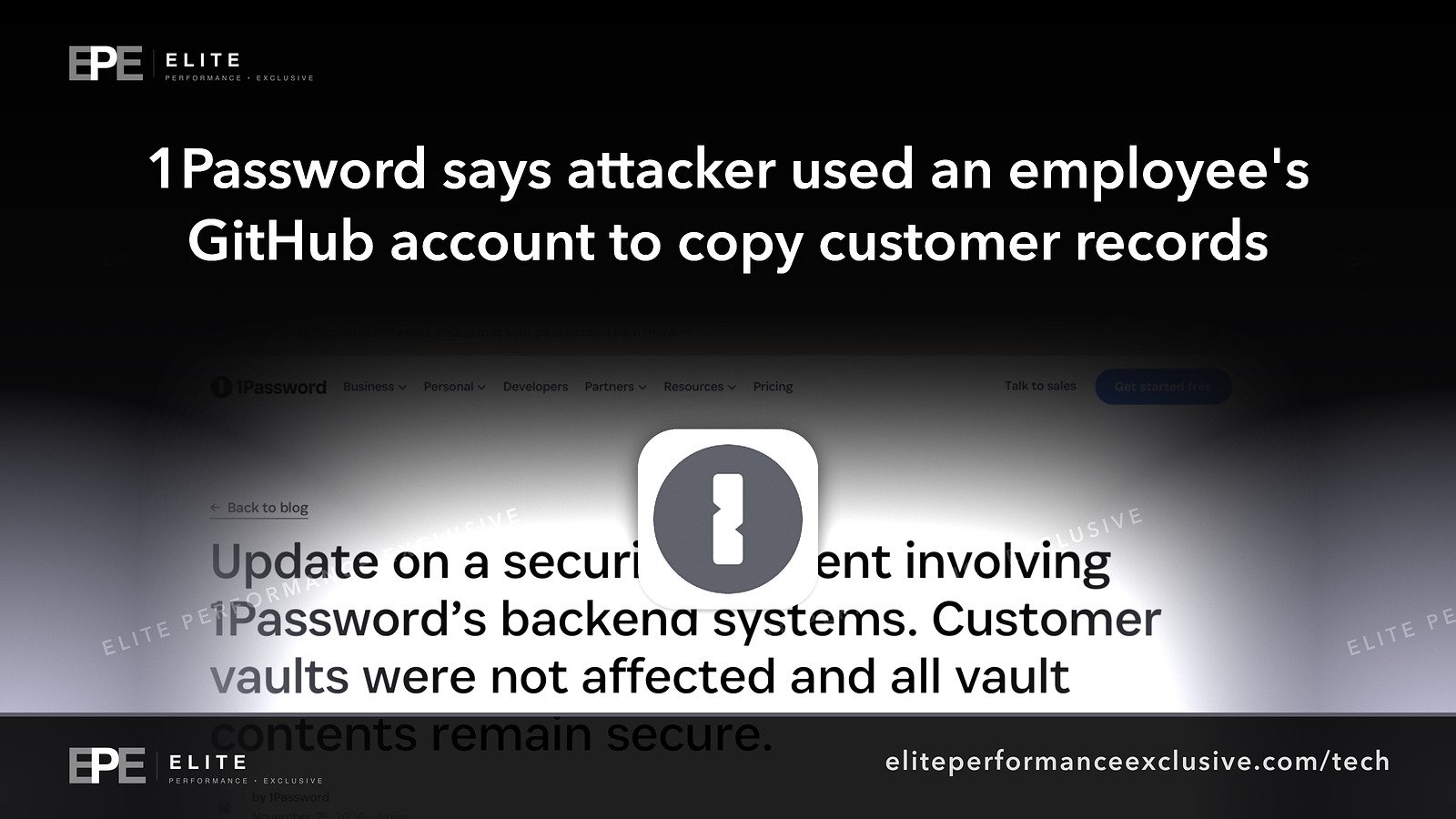
1Password says an attacker used an employee's corporate GitHub account to push malicious code that downloaded customer account records. Vaults were not affected, but the exposed details raise the phishing risk for staff.
Where Worldwide
On this page 8 sections
An attacker got into a 1Password employee's corporate GitHub account and used it to push malicious code into 1Password's backend services. That code then downloaded customer account records. 1Password says the vaults that hold your passwords were not affected. But reports say the leak included names and email addresses, and that is what someone needs to write a convincing fake email from 1Password. Any company that uses 1Password should treat this as a staff awareness problem.
What happened in the 1Password security incident
1Password has published an update on the incident. Here is how it describes the attack: "The actor used the account to access source code and push malicious code to backend services, which downloaded administrative data pertaining to our customers."
The account belonged to an employee: a corporate GitHub account, the kind developers use to store and change a company's source code. The attacker did not have to break into the password vaults. They changed code that 1Password's own systems run, and that code pulled the data out.
1Password also says the attacker "downloaded account records for a subset of our users." How many users are in that subset has not been confirmed.
CyberInsider covered the update. It reports that 1Password began investigating on November 19 after finding signs that the employee's GitHub account had been compromised.
What data was exposed in the 1Password breach
Some of this comes from 1Password itself and some comes from news reports. The table shows which is which.
| Item | What we know | Who says so |
|---|---|---|
| Account records for a subset of users | Downloaded by the attacker | 1Password (confirmed) |
| Names and email addresses | Included in the records | CyberInsider (reported) |
| Account IDs and user IDs | Included in the records | CyberInsider (reported) |
| SRP parameters | 1Password says they "cannot be used to access your account" | 1Password |
| Account provisioning tokens | No evidence of takeovers using any exposed tokens | 1Password |
| Vault data, items and keys | Not affected | 1Password |
On the provisioning tokens, 1Password says it has found "no internal evidence of user account takeovers or compromise using any exposed account provisioning tokens." The word internal matters. It covers what 1Password can see in its own systems so far. It is not a guarantee.
1Password also says "a small number of users in this state, who have been specifically notified." It has not been confirmed which state that is. If your company's 1Password admin got a direct notice, follow what it says.
What 1Password says was not affected
For most customers, this is the sentence that matters most: "Your vault data, the items in them, and the keys that protect them are safe and were not affected."
In plain terms, 1Password says the passwords, notes and other items your team stores were not exposed, and neither were the keys that protect them. 1Password says at least part of its response was taken "as a precautionary measure". We have not been able to confirm the full list of steps it took.
What is not known yet
These questions are still open:
- How the employee's GitHub account was compromised.
- Who the attacker is.
- How many users had their records downloaded.
- How long the malicious code ran before it was found.
- Which customers are in the group 1Password notified directly.
1Password says more details are coming: "We will be providing a Root Cause Analysis (RCA) with details in the coming weeks once our full investigation is complete." Until that report is out, treat any detailed account of how the attack worked as unconfirmed.
What to do this week
No software update fixes this. The work is about people and accounts.
| Task | Who | How to check |
|---|---|---|
| Tell staff 1Password will never ask for their account password or Secret Key | Office manager or IT lead | Send a short note to everyone with a 1Password account |
| Check for a direct notice from 1Password | 1Password admin | Search the admin inbox for messages from 1Password about the incident |
| Treat emails about the breach with care | Everyone | Open the 1Password app or type the web address yourself instead of clicking links |
| Report unexpected calls or messages about 1Password | Everyone | Pass them to IT before replying |
| Review who can push code to your own systems | Developer or IT lead | List every person and account with write access to your code repositories |
| Watch for the root cause analysis | IT lead | Check 1Password's blog in the coming weeks |
Every employee should know this line from 1Password: "1Password will never contact you to ask for your account password or Secret Key." If someone asks for either one by email, text or phone, it is not 1Password.
Why this matters for a business
There are two lessons here for a company network or website.
The first is phishing. A list of names and emails tied to a password manager tells an attacker which people at your company hold the keys to everything else. Picture a fake security notice that mentions the real incident, uses the person's real name and arrives at their real work address. That is much easier to believe than a random scam. The reported data does not open any vault, but it makes the people who can open one easier to target.
The second is how the attacker got in. One employee's code account was enough to change software that 1Password's systems run. Many businesses work the same way. Their website or app code lives on GitHub, and employees, contractors and old accounts can all push changes. So ask yourself: who has that access, does every account have a strong sign-in, and does a second person review changes before they go live? If you are not sure of the answers, start there. We covered the wider question of who looks after this work in Who Is Patching the Software That Runs Your Business?.
1Password breach questions people are asking
Was 1Password hacked?
Yes. 1Password confirms that an attacker used an employee's corporate GitHub account to push malicious code to backend services. That code downloaded account records for a subset of users.
Were my passwords stolen in the 1Password breach?
1Password says no. It says vault data, the items in vaults and the keys that protect them were not affected.
What data was exposed in the 1Password breach?
CyberInsider reports names and email addresses, plus account and user IDs. 1Password calls it administrative data about its customers.
Is 1Password safe to use after the breach?
1Password says vaults and keys were not affected, and that it has no internal evidence of account takeovers. Its root cause analysis, due in the coming weeks, should explain how the attack happened.
Should I change my 1Password password?
We have not seen a confirmed instruction from 1Password telling all users to change it. If you got a direct notice, follow it. Either way, never give your account password or Secret Key to anyone who contacts you.
How did the attacker get into 1Password?
Through an employee's corporate GitHub account. How that account was compromised has not been confirmed.
When did the 1Password breach happen?
CyberInsider reports that 1Password began investigating on November 19. It has not been confirmed when the attacker first got in.
The bigger lesson
Your security depends on accounts you never see: a vendor's developer account, a contractor's login, an old GitHub user nobody removed. You cannot control your vendors' accounts. You can control your own, and you can make sure your staff know what a real vendor will never ask them for.
Get help locking down your own code and accounts at /tech/security-hardening, or request a quote at /get-a-quote/tech.
Get security alerts like this by email, with the free checklist, at /security-alerts.
Sources: 1Password; CyberInsider.
Have a question about this article?
Ask it here and we will answer you directly by email. Questions are private, never posted.
Security alerts by email
Hear about the next one first.
When attackers start using a flaw in software businesses run on, we email what it is, whether it touches you and what to do that week, with a round-up of our latest security writing. Free, one-click unsubscribe. You get the checklist straight away: 12 things to secure this week.
Want a result like this?
Security alerts, breaches and the technology a business runs on: what happened, who it affects and what to do.
Get a Tech QuoteKeep reading
SAP GitHub Breach: Stolen Employee Tokens Reportedly Used to Copy and Change Source Code, What Is Confirmed and What Businesses Should Check
An insider told Der Spiegel that attackers used SAP employees' authentication tokens to copy and change SAP so...
PolinRider GitHub Malware: North Korea-Linked Campaign Planted a Loader in 7,609 Repositories, What Is Confirmed and What to Check This Week
Reports say the PolinRider campaign planted a loader in at least 7,609 GitHub repositories owned by 2,330 real...
GoodGuys Phishing Campaign: Fake Paid Expert Interviews Impersonate Eight Brands to Steal Work Google Logins and Relay MFA Codes, and What to Tell Staff This Week
Push Security has tracked a phishing kit it calls GoodGuys since October 13. It offers up to $600 for fake exp...