Apple Secure Exclaves: Camera and Microphone Data Walled Off From the OS, Apps and Apple, What Is Confirmed and What Businesses Should Do
Apple says its new Secure Exclaves process camera and microphone data where the operating system, apps and Apple cannot reach it. What is confirmed, what is unknown, and what businesses should do this week.
Where Worldwide
On this page 7 sections
Apple has announced Secure Exclaves. These are protected compartments that process camera and microphone data separately from the rest of the system. This matters for any business whose staff use Apple devices for client calls, meetings or confidential work: Apple says data handled this way cannot be reached by the operating system, by apps, or by Apple itself. The announcement still leaves key details open.
This post covers what Apple has confirmed, what is still unknown, and what is worth doing this week.
What are Apple Secure Exclaves?
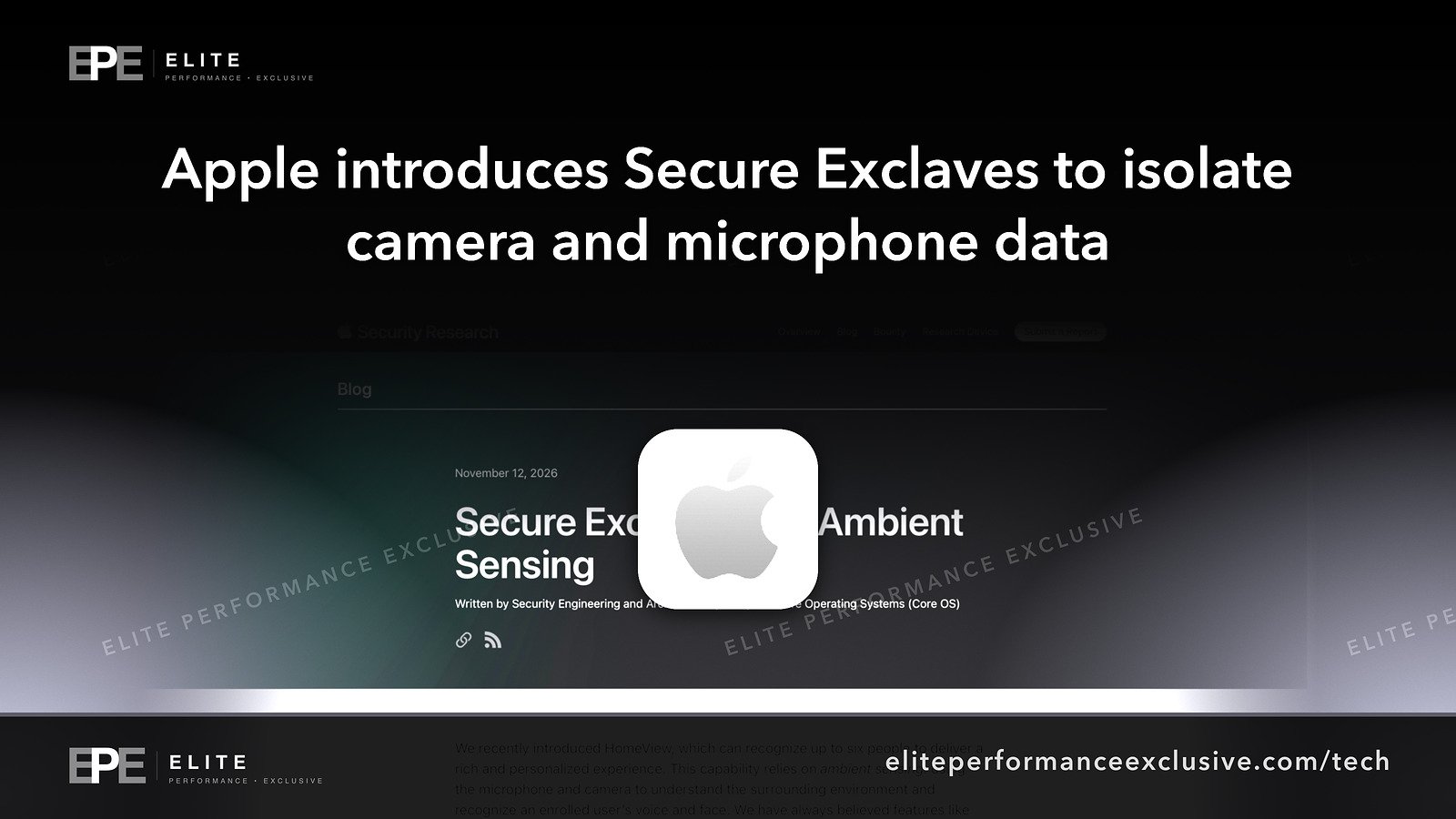
On November 12, 2026, Apple published a post on its security research blog introducing Secure Exclaves. Two Apple teams get the credit for the work: Security Engineering and Architecture (SEAR) and Core Operating Systems (Core OS).
Apple describes Secure Exclaves as protected and compartmentalized runtimes used to process camera and microphone data separately from the rest of the system. Apple ties the design to its ambient sensing features. The sources we checked do not list which features those are.
In plain English, a runtime is the space where software runs. A Secure Exclave is a sealed-off space just for sensor data. The camera and microphone feed is handled there, away from the main operating system and the apps you install.
Here is Apple's central claim, word for word:
"Data that is processed and analyzed in a Secure Exclave cannot be accessed by the main operating system, apps, or Apple."
What is confirmed and what is not known
It helps to keep two lists separate: what Apple has said, and what nobody has told us yet.
What Apple has said
- Apple's SEAR and Core OS teams introduced Secure Exclaves on November 12, 2026.
- Secure Exclaves process camera and microphone data separately from the rest of the system, for ambient sensing features.
- Apple says data processed in a Secure Exclave cannot be accessed by the main operating system, apps, or Apple.
- In a separate document, Apple's Platform Security guide covers the Mac on-screen camera indicator light. It says the design is meant to stop untrusted software, even with root or kernel privileges in macOS, from turning on the camera without the light coming on.
What the sources do not tell us
- Which devices or models support Secure Exclaves.
- Which operating system versions include them, or whether they are already shipping.
- Which ambient sensing features use them.
- Whether they change how device management or employee monitoring tools work.
- Whether independent researchers have tested Apple's claims.
The access claim is Apple describing its own design. It is a strong statement from the company that built it, but it is still a claim, not the result of an outside test.
Can malware turn on a Mac camera without the light?
This one is worth getting exactly right.
Apple's Platform Security guide says the Mac camera indicator is designed so that untrusted software cannot turn on the camera without the on-screen indicator lighting up. That holds even if the software has root or kernel privileges in macOS. Root and kernel are the highest levels of control on a computer. So the goal is that even malware that has fully taken over macOS should not be able to switch the camera on without the light.
Two cautions. First, that page covers only the Mac camera. It does not tell us how other devices or the microphone are handled. Second, it describes what the design is meant to do. If the light comes on when you did not expect it, that is still a reason to investigate.
Why Secure Exclaves matter for a business
Confidential calls and meetings. Law firms, clinics, accountants and financial advisers have sensitive conversations on laptops and phones every day. The camera and microphone data from those calls is some of the most sensitive data a business handles. A design that keeps it away from apps and the main operating system is a welcome step, if it holds up.
BYOD and employee privacy. If staff use their own Apple devices for work, they may ask about Apple's statement that apps cannot access data processed in a Secure Exclave. Do not promise staff anything beyond what Apple has published. Do not assume every device they own is covered either, because the sources do not list supported devices.
Monitoring and management tools. Some businesses run device management or monitoring software on company devices. The sources do not say whether Secure Exclaves change what those tools can see or do. Ask your vendor in writing rather than guessing.
Compliance paperwork. In regulated industries it is tempting to add a new vendor feature to a risk assessment straight away. Wait until Apple publishes which devices and versions include Secure Exclaves. Then record it as a vendor control, with a link to Apple's documentation.
It does not replace the basics. Protecting the camera and microphone does not stop phishing, stolen passwords or out-of-date software. Our post on iPhone exploit kits and how to lock down work phones covers the device side. Who is patching the software that runs your business covers keeping software updated.
What to do this week
The sources we checked name no fixed versions or settings for Secure Exclaves, so there is nothing to install for this story yet. This week is about getting ready.
| Task | Why | How to check |
|---|---|---|
| Read Apple's Secure Exclaves post | Know exactly what Apple claims, in its own words | Apple Security Research blog, November 12, 2026 |
| List the Apple devices staff use for calls and meetings | You will need this once Apple names supported devices | Your device management inventory or asset list |
| Ask your device management or monitoring vendor about Secure Exclaves | The sources do not say how these tools are affected | Get the vendor's answer in writing |
| Hold off on compliance changes | Supported devices and versions are not confirmed | Mark the item as pending in your risk register |
| Keep Apple devices on current updates | A new protection only helps devices that receive it | Check update status in your device management console |
| Tell staff to report an unexpected camera light | Apple designed the Mac indicator to light up whenever the camera is on | Add a line to your security awareness notes |
Apple Secure Exclaves questions people are asking
What is a Secure Exclave on Apple devices?
Apple describes it as a protected, compartmentalized runtime that processes camera and microphone data separately from the rest of the system, for ambient sensing features.
Can apps or Apple see camera and microphone data in a Secure Exclave?
Apple says no. In its words, data processed and analyzed in a Secure Exclave cannot be accessed by the main operating system, apps, or Apple. That is Apple's own statement. We have not seen independent testing.
Do Secure Exclaves work on iPhone?
The sources do not say which devices support Secure Exclaves. Until Apple publishes a device list, do not assume any particular iPhone, iPad or Mac is covered.
When was Apple Secure Exclaves announced?
November 12, 2026, on Apple's security research blog.
Do I need to update my iPhone or Mac for Secure Exclaves?
The sources do not name an operating system version. Keep devices updated as usual and watch Apple's release notes.
Can hackers turn on the camera without the indicator light?
Apple's Platform Security guide says the Mac indicator is designed to stop untrusted software from turning on the camera without the light, even with root or kernel privileges in macOS. That design goal applies to the Mac camera specifically.
Will Secure Exclaves block employee monitoring software?
The sources do not say. Ask your monitoring or device management vendor directly.
The bigger lesson
New security features from a vendor are worth knowing about. Treat them as claims until the details are published: which devices, which versions, and what has been tested. Build your plan on what is confirmed and keep the basics running. Add the new protection to your records once Apple documents it.
For help hardening company devices, servers and websites, see security hardening or get a quote.
Get security alerts by email, with the free checklist, at security alerts.
Sources: Apple Security Research: Secure Exclaves; Apple Platform Security: Mac on-screen camera indicator light.
Have a question about this article?
Ask it here and we will answer you directly by email. Questions are private, never posted.
Security alerts by email
Hear about the next one first.
When attackers start using a flaw in software businesses run on, we email what it is, whether it touches you and what to do that week, with a round-up of our latest security writing. Free, one-click unsubscribe. You get the checklist straight away: 12 things to secure this week.
Want a result like this?
Security alerts, breaches and the technology a business runs on: what happened, who it affects and what to do.
Get a Tech QuoteKeep reading
Coles Cyber Security Incident: What Australia's Second-Largest Retailer Has Confirmed, What Is Not Known, and What Businesses Should Do Now
Coles Group says it is investigating a cyber security incident. Coles has not said whether customer or Flybuys...
Telegram Widgets Vulnerability: Exploit Demos, a WebRAT Malware Warning, a Disputed Fix and What Businesses Should Tell Staff This Week
Days after Telegram launched widgets, researchers posted a demo video and Kaspersky advised people not to laun...
Siri Conversation History: The Siri App Kept Conversations "Forever" by Default on a Researcher's Device, What Is Confirmed and How to Shorten It
A forensic researcher found the Siri app keeps a database of conversations, with retention set to "Forever" by...