Siri Conversation History: The Siri App Kept Conversations "Forever" by Default on a Researcher's Device, What Is Confirmed and How to Shorten It
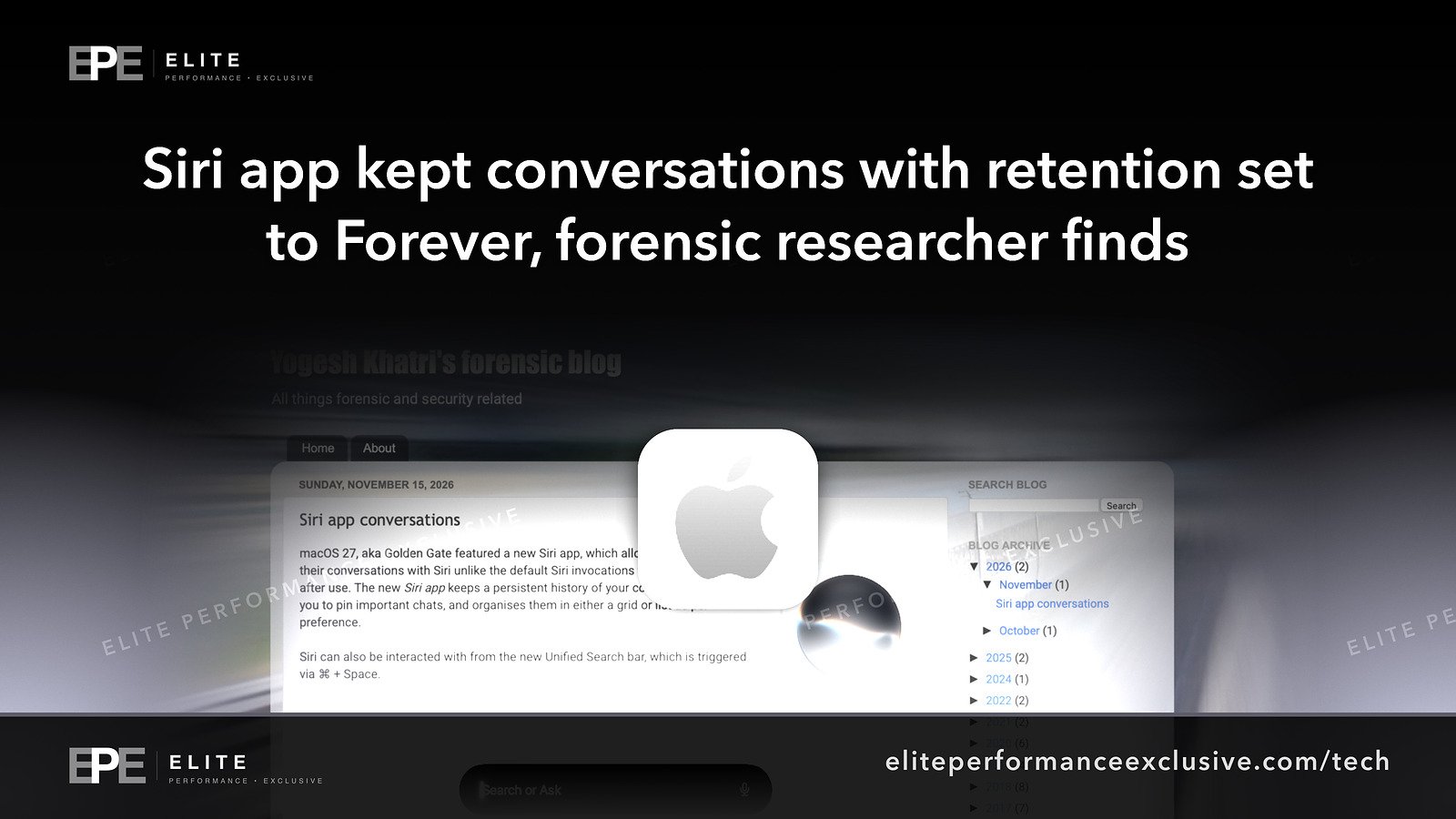
A forensic researcher found the Siri app keeps a database of conversations, with retention set to "Forever" by default on his device. Here is what is confirmed, what is not known, and how to change it to 30 days or 1 year.
Where Worldwide
On this page 7 sections
A forensic researcher found that the Siri app keeps a database of conversations. On his device, the retention setting was "Forever" by default. For a business, this means anything staff say to Siri on company devices could stay on those devices with no end date, where a forensic examination can later pull it back out, unless someone changes the setting.
This is not a hack or a software flaw. It is a default setting, and you can change it in a few minutes. Below is what the researcher reported, what Apple confirms, what is still unknown, and a checklist for this week.
What happened with Siri conversation history
Yogesh Khatri, a forensic researcher, published a post about the conversations the Siri app stores. His main findings, in his own words:
- "The default retention setting (at least what I had on mine) was "Forever"."
- "The other options are 30 days and 1 Year."
- "Most Siri interaction (without explicitly using the app) also results in information being stored in the Siri App."
He also spells out what that means for investigators: "This means there is now an opportunity to pull data from this database for forensic purposes."
Apple's own Mac Help guide confirms what the shorter settings do: "If you choose 30 days or 1 year, older conversations are permanently deleted."
The main point for most people is the third finding. You don't have to open the Siri app for your conversations to end up in it. If someone on your team asks Siri to set a reminder, send a message or look something up, the researcher says most of that ends up stored in the app.
Is Siri storing conversations forever? Confirmed vs claimed
| Statement | Status | Source |
|---|---|---|
| The Siri app keeps conversations in a database | Reported by the researcher | Swift Forensics |
| Retention was set to "Forever" by default | Reported for the researcher's own device only, as that was at least what he had on his device | Swift Forensics |
| The other retention options are 30 days and 1 year | Reported by the researcher, and Apple's guide describes the same two choices | Swift Forensics, Apple Support |
| Picking 30 days or 1 year permanently deletes older conversations | Confirmed by Apple | Apple Support |
| Most Siri use is stored even if you never open the app | Reported by the researcher | Swift Forensics |
| The database can be pulled for forensic purposes | The researcher's own assessment | Swift Forensics |
What is not known yet
Some reports are more certain than the sources allow, so here is what the primary sources do not tell us:
- Whether "Forever" is the default everywhere. The researcher limits that claim to his own device. It may be the default for everyone, but nobody has confirmed that.
- Which devices and software versions are affected. The parts of the post we checked do not name them. The Apple guide we cite is for Mac, so this article focuses on Macs.
- What each stored record contains. The sources we checked do not give a field-by-field list.
- Where the database is stored. The researcher's post gives the location for forensic examiners. We have not repeated it here because we did not check it ourselves.
- Whether Apple has commented on the default. We found no Apple statement about it in the sources we checked.
- Whether this setting can be managed centrally. We found nothing in the sources on controlling it with device management tools. For now, plan to check each device by hand.
Why this matters for a business network
A voice assistant feels casual, but people tell it real things. They dictate messages to clients, set reminders that include names and amounts, and ask questions about the work in front of them. If the app keeps that history with no end date, the company Mac becomes a long-running record of work talk that nobody chose to keep.
That matters in four common situations:
- A lost or stolen laptop. The researcher's point about forensic extraction means the conversation database is one more thing someone with access to the device could look at.
- An employee leaves or a device is reassigned. If a Mac moves to someone else without being wiped, the old conversation history may go with it.
- Your own data retention policy. If your company has rules on how long it keeps client information, an assistant set to "Forever" may not follow them.
- Investigations. It works both ways. If you ever need to look into an incident, this database could help you. If you are under a legal hold, check with your adviser before deleting history, because Apple says shorter settings delete older conversations permanently.
This follows a familiar pattern: a device setting collects data in the background until someone turns it off.
What to do this week
| Step | What to do | Why |
|---|---|---|
| 1 | Find the Siri conversation retention setting on each company Mac, using Apple's Mac Help guide | The researcher found it set to "Forever" by default |
| 2 | Change it to 30 days or 1 year, whichever fits your retention policy | Apple says older conversations are then permanently deleted |
| 3 | Before you shorten it, check whether any device is part of an investigation or legal hold | The deletion is permanent |
| 4 | Tell staff that most Siri use is stored even if they never open the Siri app | People cannot manage a risk they don't know exists |
| 5 | Add the retention setting to your new-device setup checklist | Defaults come back on new machines |
| 6 | Wipe Macs before you reassign or sell them | Stored history should not move to the next user |
If you manage many Macs, write down which ones you have checked. We found no source confirming that this setting can be pushed out centrally, so a simple spreadsheet is the honest way to track it for now.
Siri conversation history questions people are asking
Does Siri save my conversations?
According to the forensic researcher, yes. The Siri app keeps a database of conversations, and most Siri use is stored there even if you never open the app.
How long does Siri keep conversation history?
On the researcher's device, the default was "Forever". The other options are 30 days and 1 year.
How do I delete old Siri conversations on a Mac?
Change the retention setting to 30 days or 1 year. Apple says older conversations are then permanently deleted. Apple's Mac Help guide walks you through the setting.
Is the Siri app retention setting a security vulnerability?
None of the sources we checked call it a flaw or an attack. It is a default setting. The risk is how long the data stays on the device and who might read it later.
Can someone else read my Siri history?
The researcher says the database gives forensic examiners an opportunity to pull data from it. In practice, anyone who examines the device forensically has one more place to look.
Does this affect iPhone and iPad too?
The sources we checked do not say. The Apple guide we cite is for Mac.
The bigger lesson
Default settings decide what your devices keep. Every new feature that saves data comes with a retention choice, and if nobody makes that choice for you, the setting is often "keep it". Checking defaults on new features belongs on the same list as installing updates and reviewing who has access.
Want help getting company devices and systems to a known, safe state? See security hardening or request a quote.
Get security alerts by email, plus our free checklist, at security alerts.
Sources: Swift Forensics: Siri App Conversations, Yogesh Khatri; Apple Support: Mac Help.
Have a question about this article?
Ask it here and we will answer you directly by email. Questions are private, never posted.
Security alerts by email
Hear about the next one first.
When attackers start using a flaw in software businesses run on, we email what it is, whether it touches you and what to do that week, with a round-up of our latest security writing. Free, one-click unsubscribe. You get the checklist straight away: 12 things to secure this week.
Want a result like this?
Security alerts, breaches and the technology a business runs on: what happened, who it affects and what to do.
Get a Tech QuoteKeep reading
Coles Cyber Security Incident: What Australia's Second-Largest Retailer Has Confirmed, What Is Not Known, and What Businesses Should Do Now
Coles Group says it is investigating a cyber security incident. Coles has not said whether customer or Flybuys...
Telegram Widgets Vulnerability: Exploit Demos, a WebRAT Malware Warning, a Disputed Fix and What Businesses Should Tell Staff This Week
Days after Telegram launched widgets, researchers posted a demo video and Kaspersky advised people not to laun...
Apple Secure Exclaves: Camera and Microphone Data Walled Off From the OS, Apps and Apple, What Is Confirmed and What Businesses Should Do
Apple says its new Secure Exclaves process camera and microphone data where the operating system, apps and App...