Windows Server 2016 End of Support: Security Updates Stop After January 12, 2027, Which Editions Are Affected and What to Do This Week
Microsoft's extended support for Windows Server 2016 ends January 12, 2027, and the January 2027 security update is the last one. Here is what is confirmed, what is not known, and what to do this week.
Where Worldwide
On this page 7 sections
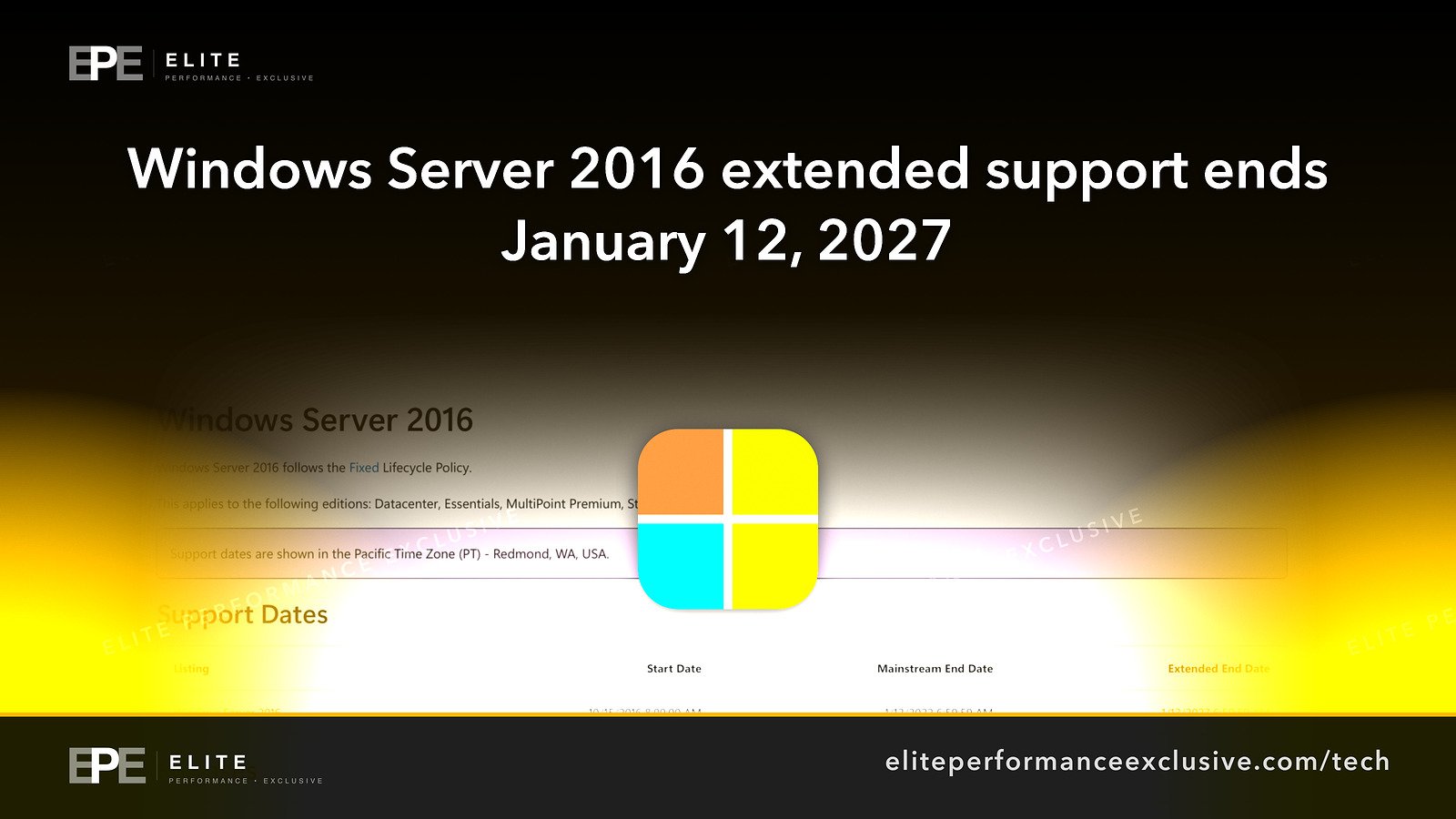
Windows Server 2016 is about to stop getting security fixes. Extended support ends on January 12, 2027, and the January 2027 Windows security update will be the last one, so any server still on 2016 after that keeps running without fixes for new flaws.
If one of those servers runs your file shares, your accounting or line-of-business software, your website or your staff logins, put this date on the calendar now. As of mid-November, it is less than two months away.
What is confirmed about Windows Server 2016 end of support
Here is what the sources confirm, and where each fact comes from:
- The editions covered. Microsoft's lifecycle page for Windows Server 2016 says it applies to the Datacenter, Essentials, MultiPoint Premium and Standard editions.
- The end date. BleepingComputer reported that extended support will end on January 12. Together with the next point, that means January 12, 2027.
- The last update. BleepingComputer also reported that the January 2027 Windows security update will be the last update available for this version.
- Microsoft's recommendation. Microsoft's Windows IT Pro Blog says: "As Windows Server 2016 reaches end of support, we recommend upgrading your servers to Windows Server 2025." BleepingComputer quotes Microsoft saying the same: "To help keep your environment protected and supported, plan to upgrade to Windows Server 2025".
That is the whole confirmed picture: four editions, one end date, one last update, and one recommended upgrade target.
What is claimed, and what is not known
The sources describe this as the end of extended support, which is the phase that still delivers security updates. After it ends, those updates stop.
Here is what the sources do not tell us:
- Paid extended security updates. Microsoft's planning post says only: "Details on pricing and availability will be available in the next few months." The sources give no price and no date for those details. They also do not confirm who would qualify or how long any paid coverage would last. Do not build your plan around an option that has not been priced yet.
- Upgrade paths. The sources do not say whether you can upgrade a 2016 server in place straight to Windows Server 2025, or whether you need a fresh install and a migration. Check Microsoft's documentation for your setup before you schedule the work.
- Application compatibility. Nothing in the sources says which business applications run on Windows Server 2025. That is a question for each software vendor.
- What happens after support ends. Nothing in the sources says the software stops working. What stops is security updates.
Which Windows Server 2016 editions are affected
| Edition | Covered by the end of support? |
|---|---|
| Windows Server 2016 Datacenter | Yes |
| Windows Server 2016 Standard | Yes |
| Windows Server 2016 Essentials | Yes |
| Windows Server 2016 MultiPoint Premium | Yes |
Essentials is included in Microsoft's list of affected editions, so if you are running it, it is affected too.
Why Windows Server 2016 end of support matters for a business network
A server is rarely just one machine. It holds your files, runs the software your staff log into every morning, and often controls who can sign in to what. When the operating system underneath stops getting security updates, each newly found flaw stays open for good.
That changes the risk in a few practical ways:
- Flaws pile up. Every month after January 2027, security fixes will ship for supported versions and not for 2016. Anyone comparing the two can see what was fixed in one and left open in the other.
- One weak server can expose the rest. An unpatched server on the same network as your other systems is a way in to everything it can reach.
- Being able to say you are patched stops being true. If a customer, partner or auditor asks whether your systems get security updates, an end-of-support server makes that hard to answer honestly.
- Your website and apps may depend on it. If a 2016 server hosts a web application, an API or a database behind your site, that service runs on an operating system with no future fixes.
End of support is the clearest version of the problem of who keeps business software updated: the vendor has said in writing when the fixes stop.
Windows Server 2016 upgrade checklist for this week
| Step | What to do | Why |
|---|---|---|
| 1. Find every 2016 server | Check physical servers, virtual machines and cloud instances. Open system information on each one and note the edition and version. | You cannot plan for servers you have not found. |
| 2. Record what each one does | List the apps, file shares, databases and websites on each server, and who relies on them. | This tells you which servers to move first. |
| 3. Ask your software vendors | Ask each vendor whether their product supports Windows Server 2025. | Microsoft recommends Windows Server 2025, but your apps have to run on it too. |
| 4. Choose upgrade or replace | Decide for each server: upgrade it, rebuild it on Windows Server 2025, or move its job elsewhere. | Some roles may be easier to rebuild than to upgrade. |
| 5. Book the work before January 12, 2027 | Put dates on the calendar now, leaving time to test and roll back. | Less than two months is not long once holidays and testing are counted. |
| 6. Install the January 2027 update | Apply the final security update on any 2016 server still running. | It is the last fix Windows Server 2016 will get. |
| 7. Limit exposure for any server you cannot move in time | Remove direct internet access, restrict who can sign in, and separate it from the rest of the network where you can. | This reduces what an attacker can reach through an unpatched machine. |
| 8. Watch for Microsoft's pricing announcement | Watch for Microsoft's promised details on pricing and availability. | Do not assume it will be cheap, available to you, or in time. |
If your servers are self-hosted and you want to plan the move properly, our self-hosting and infrastructure page explains how we approach this kind of work.
Windows Server 2016 end of support questions people are asking
When does Windows Server 2016 support end?
Extended support ends on January 12, 2027. The January 2027 Windows security update is the last update for this version.
Is it mainstream support or extended support that is ending?
Extended support. That is the phase that still delivers security updates, which is why this date matters.
Will Windows Server 2016 stop working after January 2027?
The sources do not say it will stop working. They say security updates stop. A server that keeps running without fixes is the risk.
Are there extended security updates for Windows Server 2016?
This is not confirmed. Microsoft said details on pricing and availability would be available in the next few months. The sources give no price or date.
What should I upgrade Windows Server 2016 to?
Microsoft recommends upgrading to Windows Server 2025.
Does Windows Server 2016 end of support include Essentials?
Yes. Microsoft lists Datacenter, Essentials, MultiPoint Premium and Standard.
Can I upgrade Windows Server 2016 directly to 2025?
The sources do not say. Check Microsoft's upgrade documentation for your setup, and test before you upgrade a production server.
The bigger lesson
Every operating system has an end date, and it is published years ahead. Problems start when nobody owns that date. Keep a simple list of every server, what it runs and when its support ends, and put the replacement in the budget a year early. That turns a deadline like this from an emergency into routine work.
For help with the inventory, the upgrade plan or locking down a server you cannot move yet, see security hardening or get a quote.
Get security alerts by email, with the free checklist, at /security-alerts.
Sources: Microsoft Lifecycle: Windows Server 2016; Microsoft Windows IT Pro Blog; BleepingComputer.
Have a question about this article?
Ask it here and we will answer you directly by email. Questions are private, never posted.
Security alerts by email
Hear about the next one first.
When attackers start using a flaw in software businesses run on, we email what it is, whether it touches you and what to do that week, with a round-up of our latest security writing. Free, one-click unsubscribe. You get the checklist straight away: 12 things to secure this week.
Want a result like this?
Security alerts, breaches and the technology a business runs on: what happened, who it affects and what to do.
Get a Tech QuoteKeep reading
Coles Cyber Security Incident: What Australia's Second-Largest Retailer Has Confirmed, What Is Not Known, and What Businesses Should Do Now
Coles Group says it is investigating a cyber security incident. Coles has not said whether customer or Flybuys...
Apple Secure Exclaves: Camera and Microphone Data Walled Off From the OS, Apps and Apple, What Is Confirmed and What Businesses Should Do
Apple says its new Secure Exclaves process camera and microphone data where the operating system, apps and App...
Siri Conversation History: The Siri App Kept Conversations "Forever" by Default on a Researcher's Device, What Is Confirmed and How to Shorten It
A forensic researcher found the Siri app keeps a database of conversations, with retention set to "Forever" by...