BYOD Ransomware: Vanderbilt and UNM Attacks Played Spoken Ransom Warnings, What Is Confirmed and What Businesses Should Do This Week
The BYOD ransomware group claims attacks on Vanderbilt University and UNM's Health Sciences Center, where infected computers played audio warnings. Here is what is confirmed, what is only claimed, and what to do this week.
Where United States · North America, United States & Canada
On this page 6 sections
The ransomware group BYOD has claimed attacks on Vanderbilt University and the University of New Mexico's Health Sciences Center (HSC). At both places, infected computers played audio telling staff the network had been compromised. This matters to any business because the attack announced itself out loud to employees at the same time it reached IT. At UNM the incident was serious enough that ambulances were diverted to other hospitals.
One note before the details: BYOD is the name the criminal group uses. None of the reports we checked say these attacks came in through employees' personal phones or laptops, the bring your own device setups many companies allow.
What happened in the BYOD ransomware attacks
Vanderbilt University
BleepingComputer reports that the university confirmed the incident on Monday. Also on Monday, the BYOD group claimed responsibility for the attack on its data leak site. Infected devices at Vanderbilt played an audio warning that the network had been compromised.
The group's listing claims "Over 1 Million SSNs, Full Names, Email addresses, Phone Numbers, Student & Employee Records". That claim comes from the attacker. It originates from BYOD's own Tor data leak site and ransom note, and the victims have not confirmed it.
University of New Mexico Health Sciences Center
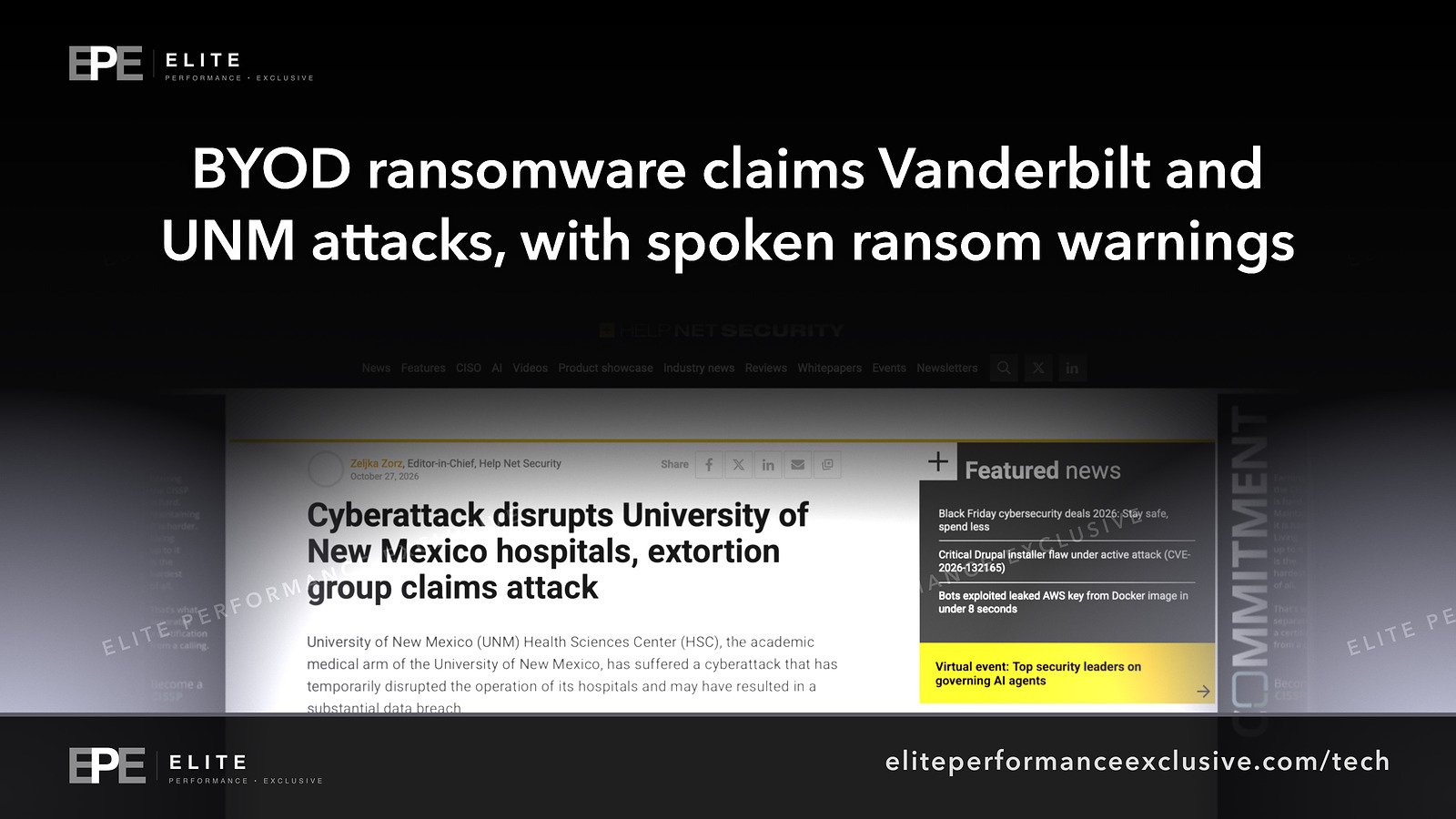
Help Net Security reports that the network breach was detected Monday, around 11:30 a.m. At 2:30 p.m. MDT that Monday, the HSC announced it was experiencing a cybersecurity issue. Ambulances were diverted to other hospitals.
During the attack, the hackers played a synthetic voice message on hospital workers' computers claiming that data had been stolen. BYOD claimed to have compromised 36,000 machines. That number is unconfirmed.
A statement quoted in Help Net Security's report says: "Because this remains an active law enforcement investigation, we are limited in what we can share at this time," and that "the event affected some end-user devices but did not penetrate core systems or servers."
What is confirmed and what is only claimed
| Point | Status |
|---|---|
| Vanderbilt had a security incident | Confirmed by the university, according to BleepingComputer |
| BYOD carried out the Vanderbilt attack | Claimed by BYOD on its data leak site |
| Over 1 million Social Security numbers and records taken from Vanderbilt | Claimed by BYOD, not confirmed by the victims |
| Infected computers played audio warnings | Reported at both Vanderbilt and UNM |
| UNM HSC had a cybersecurity issue | Announced by the HSC |
| Ambulances diverted to other hospitals | Reported by Help Net Security |
| 36,000 UNM machines compromised | Claimed by BYOD, unconfirmed |
| Data stolen from UNM | Claimed in the attackers' voice message, not confirmed |
| UNM core systems or servers reached | The quoted statement says no, only some end-user devices |
What is not known
The sources we checked don't say how BYOD got into either network, which software or flaw it used, how much ransom it demanded, whether any data was actually taken, whether either organization paid, or when systems were back to normal. They also give no calendar dates beyond "Monday." We didn't find either university's own statement among the pages we checked, so this article relies on reporting by BleepingComputer and Help Net Security. That reporting doesn't tie any patch or fixed version to these attacks.
Why talking ransomware matters for a business network
Most ransomware response plans assume IT finds out first. A computer that speaks a ransom warning changes that order. The front desk, the shop floor or a meeting room hears it at the same moment IT does, and possibly before. People will react. Some will unplug things, call someone, post about it online or keep working as if nothing happened. Without a plan, those first minutes can make the damage worse or spread the news before you have checked the facts.
The UNM report holds a second lesson. The quoted statement says the attack reached some end-user devices but not core systems or servers. Even so, the hospital diverted ambulance traffic. For a business, the same thing would mean closing the store, stopping shipping or sending staff home. Keeping attackers away from your servers matters a great deal. You also need a way to keep working when staff computers are down.
If you are setting up that plan, our post on who you call when your systems go down covers the contact side. For reaching your equipment when the main network can't be trusted, see out-of-band management access. If you run your own servers, our self-hosting and infrastructure page explains how we set them up and look after them.
What to do this week
These steps are general preparation. The reports name no flaw, version or setting tied to BYOD, so there is nothing specific to patch for this story.
| Step | How to check |
|---|---|
| Tell staff what a ransomware warning can look and sound like | Send a short note: a computer that shows or speaks a ransom message is an incident, and they should report it right away |
| Write down who staff should call | One name and one phone number, printed, not only stored on the network |
| Decide who disconnects an infected computer | Agree in advance whether staff unplug it from the network or wait for IT |
| Separate staff computers from servers | Check that an ordinary user's computer can't reach server admin pages, backups or file shares it doesn't need |
| Test a restore | Pick one important file or system and restore it from backup this week |
| Plan for working without computers | Decide how you take orders, payments or appointments if staff machines are down for a day |
| Prepare a holding statement | Write a short message for customers that says what you know and what you don't |
BYOD ransomware questions people are asking
What is BYOD ransomware?
BYOD is the name of a ransomware group. It claimed the Vanderbilt University attack on its data leak site, and it claimed to have compromised 36,000 machines at UNM.
Is BYOD ransomware related to bring your own device policies?
Not based on what has been reported. BYOD is the group's name. The reports we checked don't say these attacks used employees' personal devices.
Did BYOD steal data from Vanderbilt?
The group claims it took over 1 million Social Security numbers, plus names, email addresses, phone numbers and student and employee records. That claim comes from the group, and the victims have not confirmed it.
Why did computers play audio during the attack?
At Vanderbilt, infected devices played a warning that the network had been compromised. At UNM, a synthetic voice message on hospital workers' computers claimed data theft. The reports don't explain why the group did this.
Were UNM's servers affected?
A statement quoted in Help Net Security's report says the event affected some end-user devices but did not penetrate core systems or servers.
Is there a patch for BYOD ransomware?
The reporting doesn't name a flaw or a fixed version, so there is no specific patch for this story. Preparation is what helps: staff computers kept apart from servers, backups that you have tested, and a plan your staff know.
The bigger lesson
Ransomware is a technical problem, but it is also a disruption that everyone in the building notices at the same time. The organizations that cope best decided ahead of time who acts, what gets disconnected and how work carries on.
To keep staff computers apart from your servers and get your backups tested, see security hardening or request a quote.
Get security alerts by email, with the free checklist, on our security alerts page.
Sources: Help Net Security; BleepingComputer.
Have a question about this article?
Ask it here and we will answer you directly by email. Questions are private, never posted.
Security alerts by email
Hear about the next one first.
When attackers start using a flaw in software businesses run on, we email what it is, whether it touches you and what to do that week, with a round-up of our latest security writing. Free, one-click unsubscribe. You get the checklist straight away: 12 things to secure this week.
Want a result like this?
Security alerts, breaches and the technology a business runs on: what happened, who it affects and what to do.
Get a Tech QuoteKeep reading
Cleverbridge Data Breach: Card Numbers and Some CVV Codes Stolen, What Is Confirmed and What to Do This Week
Cleverbridge, which runs e-commerce for software and SaaS companies, says payment card details from purchases...
Check Point Breach: GT13 Campaign Stole Data From 24 Security Management Servers at 22 Organizations, What Is Confirmed and What to Check This Week
GreyNoise says an actor it calls GT13 stole data from 24 Check Point Security Management Servers at at least 2...
Supermarket Cyberattack: France Says an Offensive Cyber Unit Sabotaged Refrigeration Controls at More Than 700 Retail Sites, What Is Confirmed and What to Check on Your Own Equipment
France says attackers took over the refrigeration controls at more than 700 retail sites, sparking fires and s...